January 12th, 2026
5 Best AI Interior Design Apps for 2026
Looking for the best AI interior design apps in 2026? We have you covered in this guide.

So you're looking for the best ai interior design app available for your needs. With so many options, how do you decide which to choose? Perhaps you are a professional that needs to iterate on ideas and present them to your clients. Maybe you you are a hobbyist interior designer that it looking to create a fresh look for your home. Or maybe you are new to interior design and have heard about AI tools that can assist you in your journey.
This article will help you break down the various options so that you can choose one that meets your specific needs. With several years of experience in the interior design space, Roomika.AI has a unique perspective on the various tools available and the various motivations that lead individuals to considering using ai interior design tools.
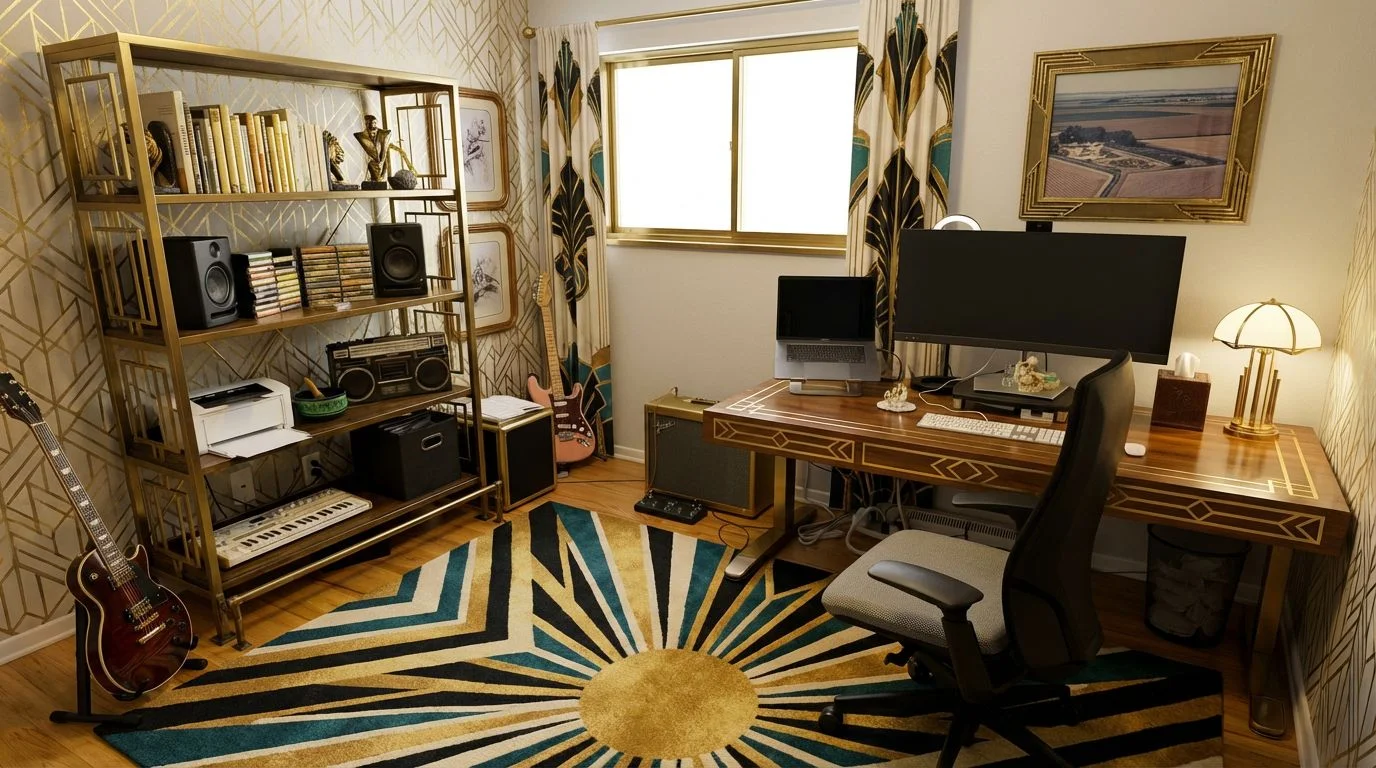
Top AI Interior Design Apps at a Glance
1. Roomika AI: High Quality, Lots of Flexibility, at a Great Price
Roomika.AI is one of the most well-rounded options on the list for ai-assisted interior design. It strikes a great balance of delivery speed (less than 30 seconds per image), simple user experience (upload a photo of a room, select your style, and generate - that's it!), powerful features (use your prompts for full control over images), all at a great price. This is the most affordable option on this list, yet it delivers quality photos to match even the most expensive options.
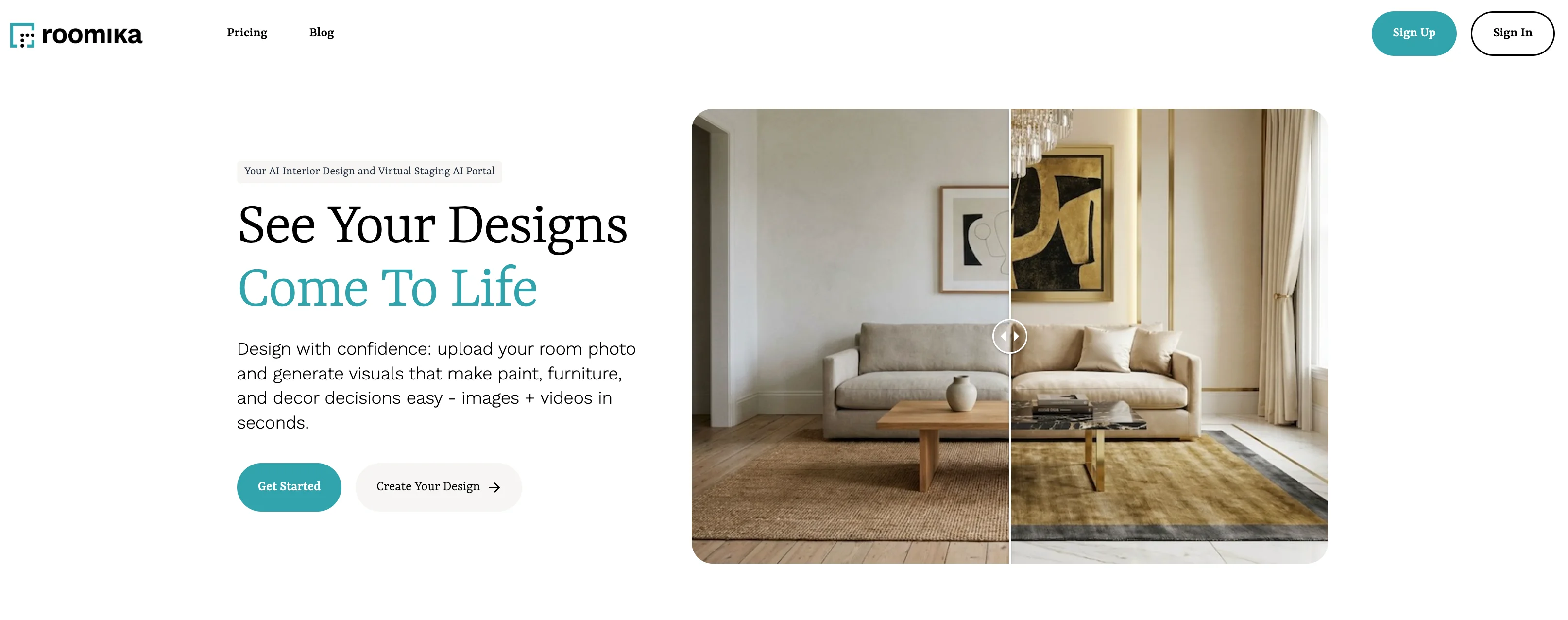
My favorite feature of Roomika is the ease-of-use. Users have only a few steps to take to get great-looking interior design ideas - upload a photo of your room, select your mode (virtual staging, empty room, fill room, etc), and then optionally include a prompt to guide the image creation. It really cannot get simpler. Then in less than 30 seconds you will receive your re-designed interior, and it is easy to continue iterating on that design.
Another standout feature is the video creation. After creating an image of your interior design, you can create a 5-10 second video showing it off. I generally created videos of a camera panning through the room to show off the design. This is a great way to show the cohesive design decisions that went into giving an interior space a distinctive style.
One of my favorite aspects of Roomika is the combination of simplicity along with powerful flexibility. It is easy to upload a photo and select a style to get your room completely redesigned in seconds. But if you choose to also use the optional prompt, you have nearly full control over the placement of items in the room. From replacing the couch in the living room with another style, changing the wall color, or moving an item from one wall to another, the process is incredibly simple yet powerful.
In short, of all of the options on the list. Roomika provides you with the best bang for your buck and a slew of powerful features to help redesign your space.
Roomika Best Features
- Interior designs generated in less than 30 seconds - usually faster
- Video generation - turn any design into a 5-10 second video, optionally loop it for an infinite effect
- Preset designs/styles for easy idea generation
- Add in a custom prompt for full control over item placement in staged photos
- Virtual staging, empty room, fill room, style transfer
Roomika Pricing
- $25 one time pass - 75 credits
- $20 per month Basic plan - 130 credits per month
- $35 per month Pro plan - 250 credits per month
- $70 per month Studio plan - 600 credits per month
2. ReImagineHome: Unique Conversational Experience
ReImagineHome takes an different approach to interior design than the other apps on the list. That is, all designs take place through a conversational interface. This gives the tool a familiar feel to those that have worked with ChatGPT and is also a great way to maintain the history of edits to a particular design
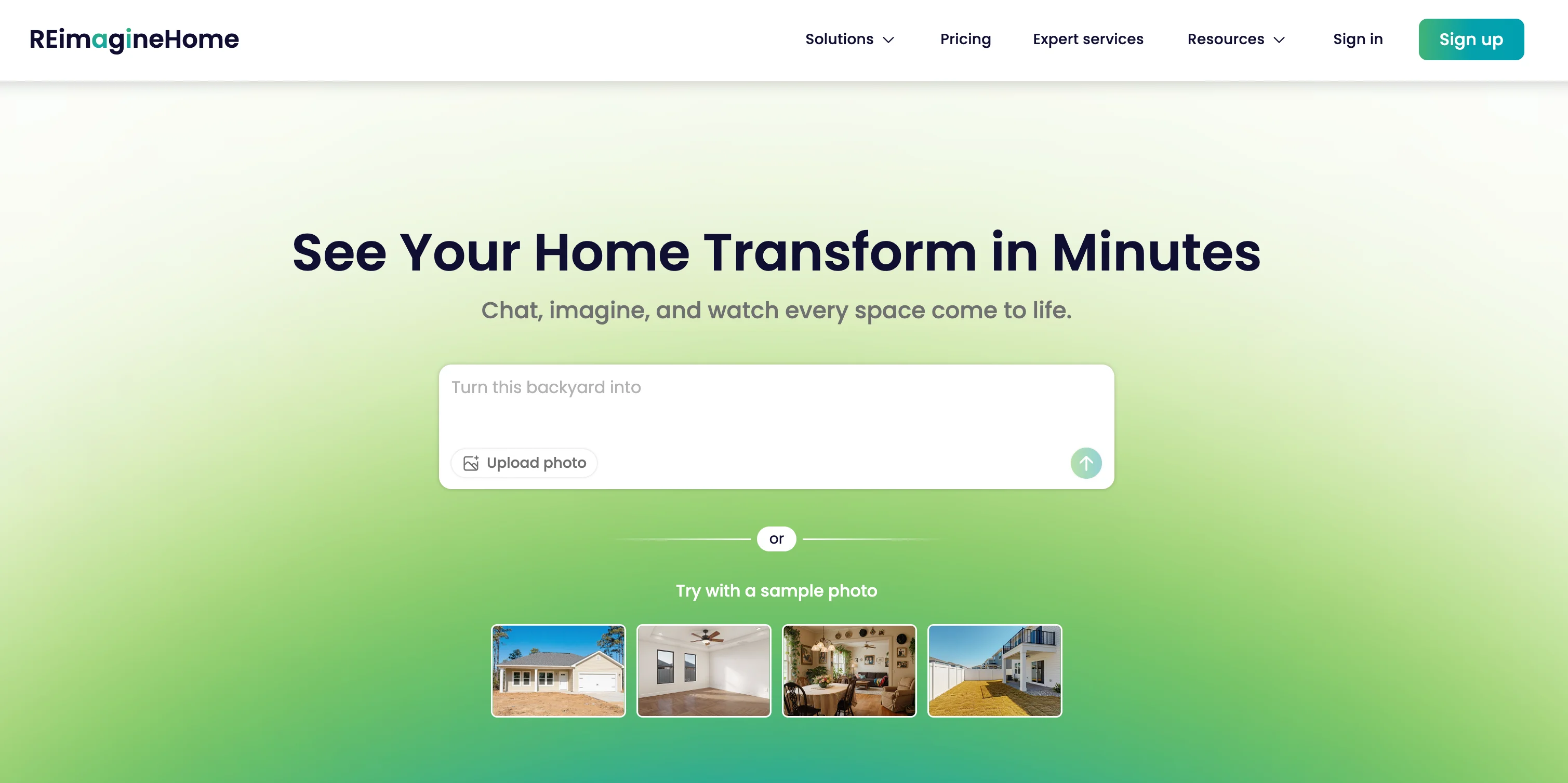
ReImagineHome provides the familiar feature sets that are standard across these tools - from virtual staging, to emptying rooms, to swapping colors and styles of existing rooms. To do this, the user simply creates a new project and then uploads a photo of the space that they want to design. From there, there are a couple of buttons used to facilitate the conversation (room type, selected style), but the majority of modifications to the space will be done via your text descriptions.
After selecting a style, you can instruct the AI to add a couch, or change the color scheme, or move items around the room. By maintaining each edit through an ongoing conversation, it is easy to see the timeline of edits made and to iterate on ideas until you get the result that you want.
Overall, the process is fairly painless and the quality of the outputs are very good. The bottom line is that ReImagineHome is a great tool for those who want a ChatGPT-like interface that enables quick, iterative edits to the spaces that they are modifying.
ReImagineHome Features
- Unique conversational interface: Each project is an ongoing AI conversation
- Empty your rooms, fill them, stage them
- Style selection tool helps aid the conversational AI interface
ReImagineHome Pricing
- $29 per month Full Design Studio - 150 credits per month
- $49 per month Power Bundle - 400 credits per month
- $99 per month Agency Bundle - 1000 credits per month
3. Interior AI: A Popular Interior Design Tool
Interior AI is one of the first interior design ai apps on the market. It sports a simple interface that allows users to re imagine their home in a variety of styles - from art deco, to minimalist, to french colonial and many more.
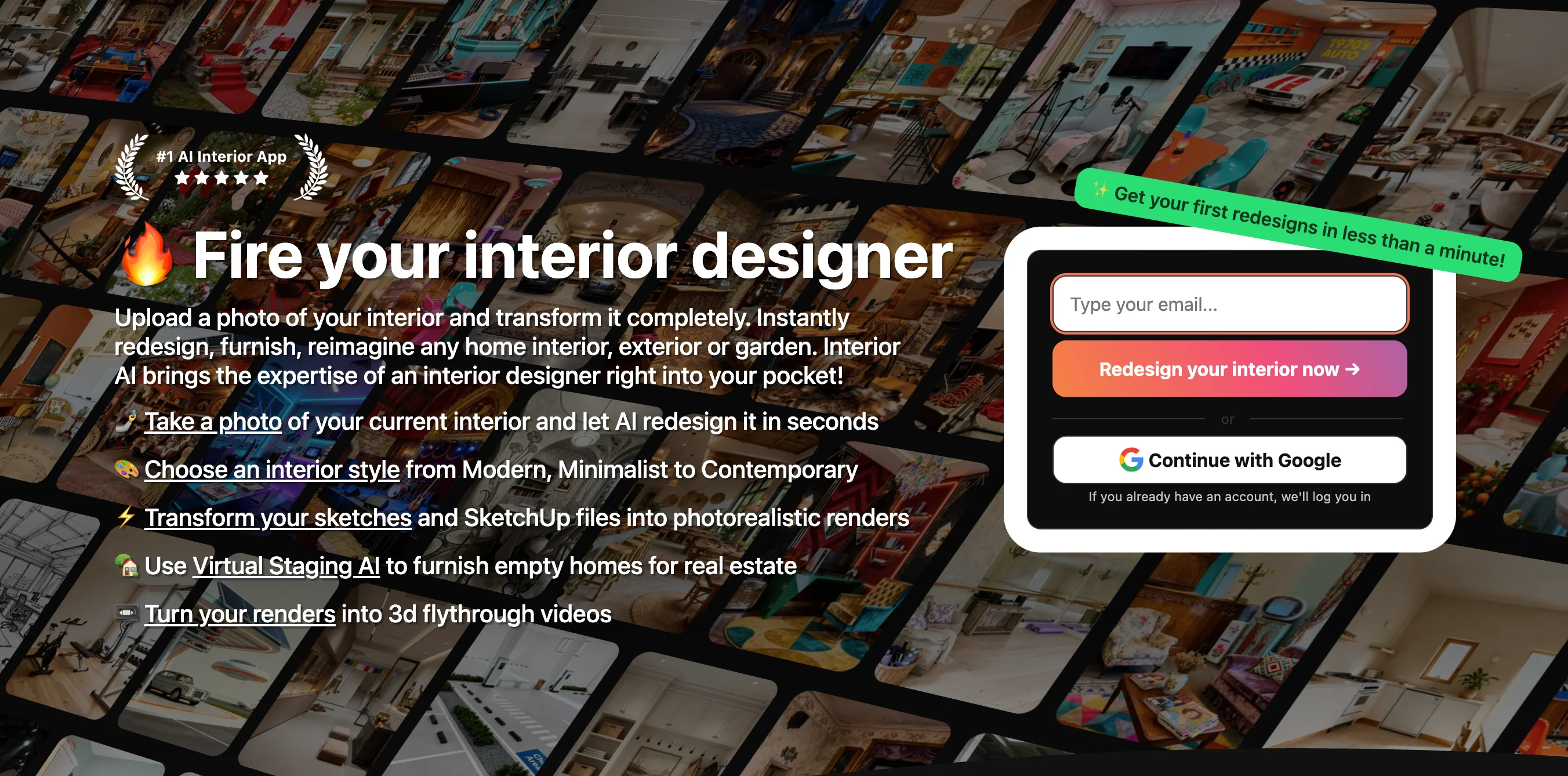
The process to use Interior AI is fairly simple - register for an account, choose a subscription (either monthly or yearly) and then upload a photo of your space. The type of space is automatically detected (for example, living room, kitchen, study, etc). You can then select the style of room that you would like to see.
After creating images of your space, you can create before/after videos of the generation. This is a particularly neat feature that allows people to see the substantial transformation right before their eyes. This is great for sharing to social media, interior design clients, web pages, and more.
Interior AI states that they use the FLUX AI model for image generation. This is an older AI model at this point compared to other options on the list, but it also allows Interior AI to provide a high number of generated images at the cost that you are paying for your subscription.
Bottom line: if you are okay with using older AI technology and want a high-number of AI image generations, then Interior AI is a great choice.
Interior AI Features
- Choose from various styles: scandinavian, japandi, art deco, etc.
- Before and After video generation
- Easy to understand user interface
Interior AI Pricing
- $49 per month - create 1000 interior designs
- $99 per month - create 5000 interior designs
- $199 per month - create 25000 interior designs
- A few yearly plans as well for steeper discounts
4. My Room Designer: Interior Design and Mood Boards
My Room Designer is a particularly interesting option on the list. It started out primarily as an interior design Mood Board app. This is particularly useful for power users that want to explore various different options for their interior spaces. Use your mood board to collect images of various color schemes, themes, and aesthetics.
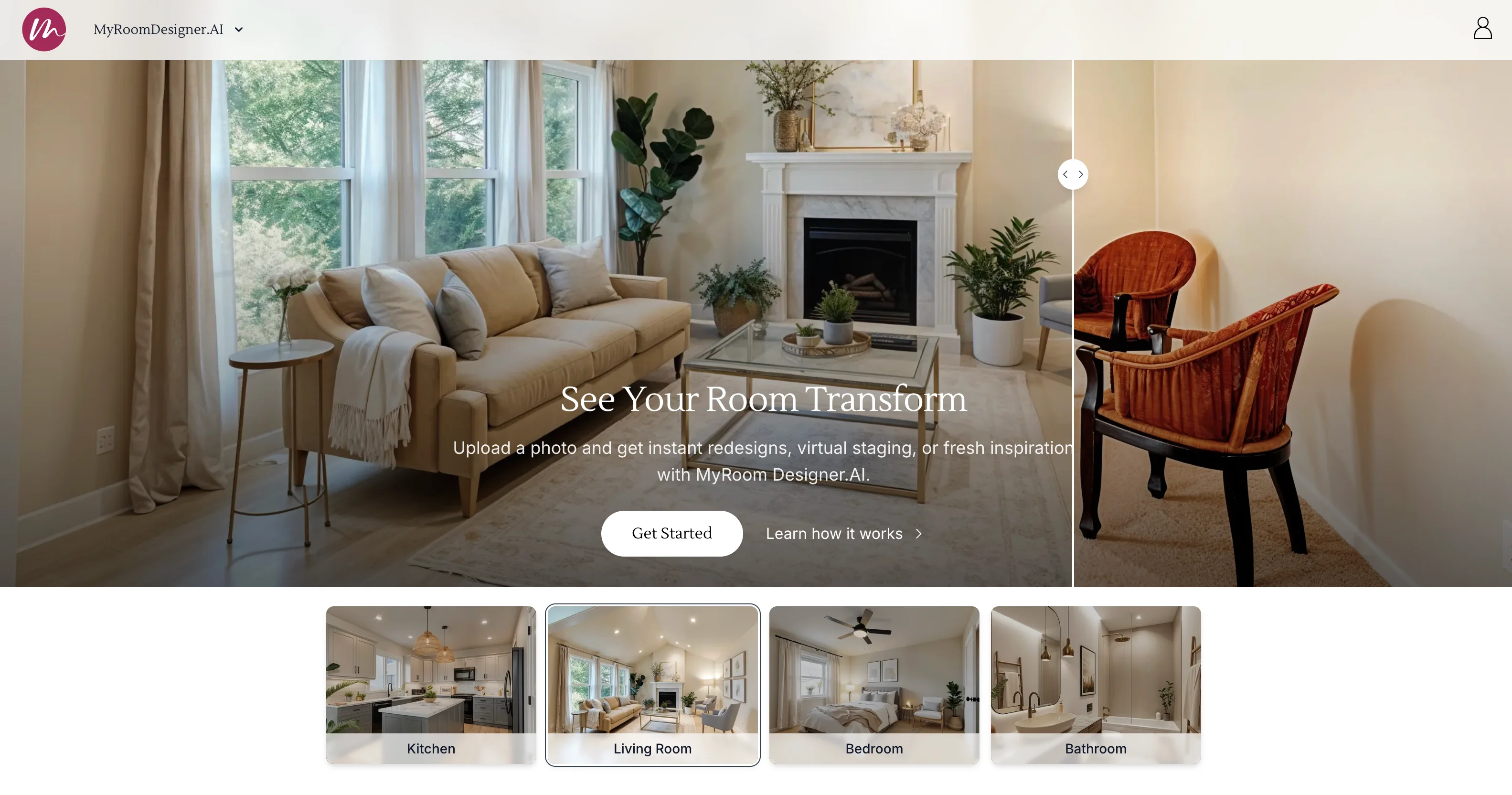
No longer only a mood board creator, my room designer now allows users to create images of their interior space. Like other tools, the process is simple - upload a photo of your space, select a color theme and a style, and generate. In less than a minute, you'll see a new rendition of your interior space.
The power here is that the AI images you create can be combined with the mood boards you have. I find that this is a great feature for quickly creating ideas and then, for example, sharing the ideas with your clients so that you can quickly narrow in on what a client wants their space to look like.
Bottom line: The combination of the Mood Board functionality along with the AI interior design generation makes My Room Designer a great pick for users exploring these tools.
My Room Designer Best Features
- Mood Boards: Create boards for your projects to capture a color scheme, aesthetic, style, etc.
- Virtual Staging, Style Selection, Upscaling
My Room Designer Pricing
- $24 per month - 50 AI generations
- $79 per month - 200 AI generations
- $149 per month - 400 AI generations
5. Virtual Staging AI: Simple User Experience and Quick Designs
Virtual Staging AI is one of the simplest options on the list, and that is no accident. It is clearly designed for provide a simple interface for quickly iterating on interior design ideas.
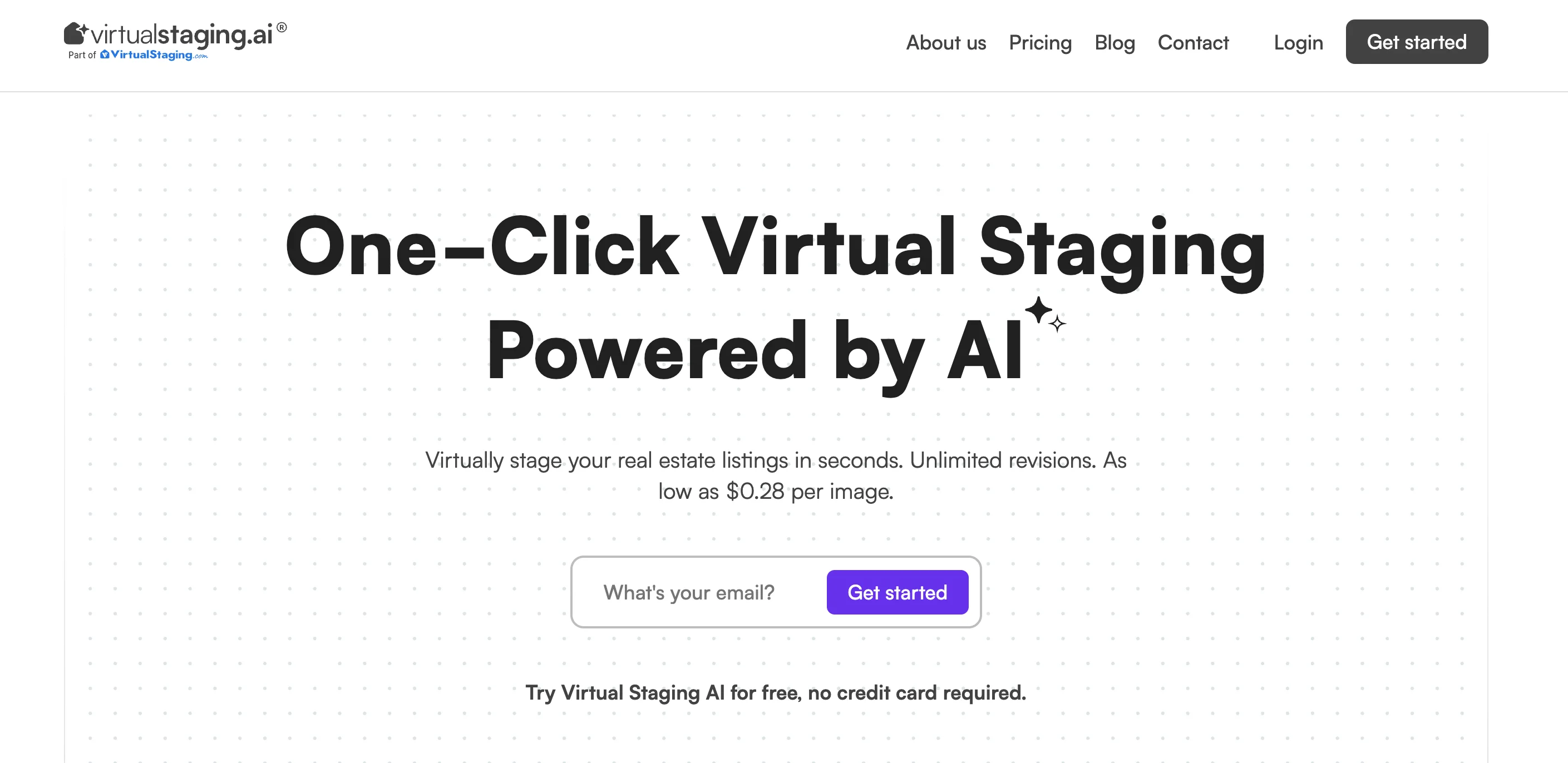
To get started, create your account and then select your subscription. Then get to generating!
The only options you have to generate new photos are 1) select your room type (kitchen, living room, study, etc.) and 2) select furniture style (luxury, minimal, scandinavian, etc). While this may sound like limited options, the fact is that you can quickly get great ideas for your designs very quickly.
Bottom line: Virtual Staging AI is a great way to get dozens of designs for your interior spaces quickly and easily.
Virtual Staging AI Best Features
- Virtual Staging, Room Fill, Furniture Removal
- Easy subscription cancellation
- Simple, easy to understand user interface
Virtual Staging AI Pricing
- $25 per month - 20 interior design generations
- $39 per month - 40 interior design generations
- $85 per month - 100 interior design generations
- $220 per month - 500 interior design generations
Conclusion: Roomika AI Is the Best All-Around AI Interior Design App for Quality + Flexibility at a Great Price
AI interior design apps have gotten dramatically better in the last year. In 2026, the best tools aren’t just “style filters” — they help you iterate on real design decisions: layout, color direction, furniture swaps, and staging choices that feel cohesive (and client-presentable). The gap between a fun experiment and a practical workflow is now mostly about control, speed, and how easy it is to keep iterating without fighting the tool.
When you’re picking an app, ask yourself three things: (1) Do I want fast inspiration or precise edits? Some tools shine at generating lots of variations quickly, while others make it easier to steer the output with prompts and targeted instructions. (2) Do I need client-ready deliverables? Features like before/after comparisons and video can make a huge difference when you’re presenting a concept. (3) Will the pricing match how I work? If you’re iterating heavily, you’ll want generous credits and predictable cost.
If you want the best balance of high-quality results, simplicity, and real flexibility, Roomika.AI is the strongest all-around pick. It’s easy enough for quick “show me ideas” redesigns (upload → choose a mode/style → generate), but powerful enough for serious iteration when you use prompts to guide placement, materials, and specific changes. Add in fast generations and the ability to turn designs into short videos, and it’s the most cost-effective way to go from inspiration to something you can actually share with a client (or commit to in your own home).