April 18th, 2026
Best AI Virtual Staging Apps for Real Estate Agents in 2026
A roundup of the top AI virtual staging apps for real estate agents, compared on speed, MLS-friendly output, pricing, and listing workflow fit.

If you're a real estate agent, listing photos are doing more work than ever. Buyers now scroll through dozens of listings before they even open one, and a vacant or cluttered room is the fastest way to lose a click. That's why AI virtual staging has moved from a novelty to a standard part of the listing workflow — especially for vacant homes, tenant-occupied units that need a visual refresh, or listings that need to go live faster than a traditional staging crew can show up.
The AI virtual staging category has exploded over the last two years, and the tools now differ meaningfully in what they're best at: some focus on instant turnaround, some on MLS-friendly disclosure workflows, some on decluttering and item removal, and some on giving you hands-on control over furniture placement. This guide walks through the five strongest AI virtual staging apps for real estate agents in 2026, what each one does best, and which kinds of agents they fit.

Top AI Virtual Staging Apps for Realtors at a Glance
1. Roomika AI: Best All-Around AI Virtual Staging App for Agents
Roomika.AI is the strongest overall pick for real estate agents who want fast, professional-looking staged photos without an expensive subscription or a learning curve. It combines sub-30-second turnaround, multiple staging modes (virtual staging, empty room, fill room, style transfer), and optional video generation — all at pricing that makes it realistic to stage every listing, not just the premium ones.
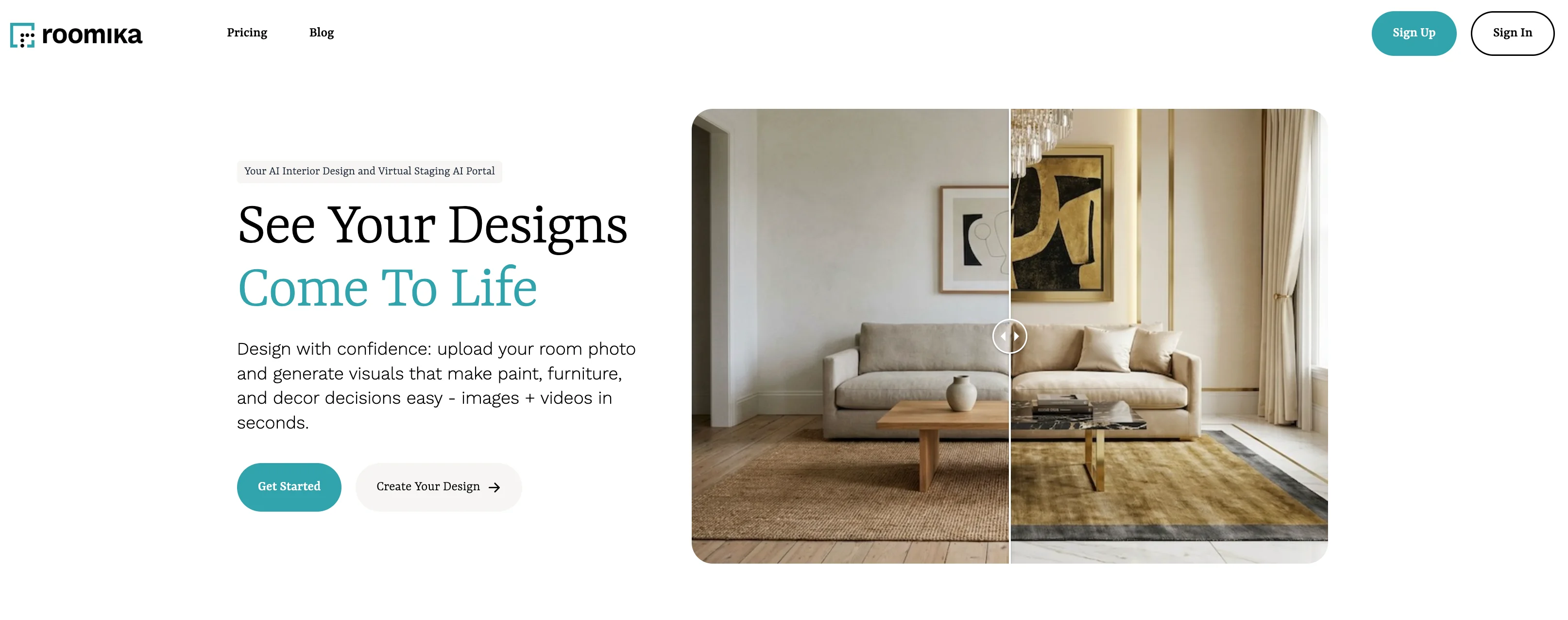
For agents, the workflow is as simple as it gets: upload a photo of the room, choose a mode (virtual staging for vacant rooms, empty room to remove existing furniture, fill room for a style refresh), optionally add a prompt to control specifics, and download the staged image in under 30 seconds. That's a 10x improvement over the 24–48 hours most managed staging services need to turn around a single room.
The video mode is an underrated differentiator for listings. After generating a staged image, you can turn it into a 5–10 second camera-pan video — exactly the kind of asset that performs well on Instagram Reels, TikTok, and Facebook listing posts. Most competing AI staging tools don't have this yet, which means Roomika doubles as a low-effort content engine for agents who market listings on social.
The combination of speed, staging flexibility, optional prompt control, and video output — at a price point that makes sense for an agent doing multiple listings a month — is what makes Roomika the strongest all-around pick. If you're looking to upgrade your listing photos without overhauling your workflow, this is the easiest place to start.
Roomika Best Features
- Staged listing photos in less than 30 seconds — usually faster
- Multiple modes: virtual staging, empty room, fill room, style transfer
- Preset styles for quick variations plus optional prompts for item-level control
- Video generation — turn any staged image into a 5–10 second camera-pan video for social
- Affordable pricing that scales with listing volume instead of per-seat subscriptions
Roomika Pricing
- $25 one time pass - 75 credits
- $20 per month Basic plan - 130 credits per month
- $35 per month Pro plan - 250 credits per month
- $70 per month Studio plan - 600 credits per month
2. REimagineHome: Best for MLS-Friendly Listing Workflows
REimagineHome is one of the most complete agent-facing packages on the market. It goes beyond basic staging into decluttering, exterior edits, landscaping previews, and compliance checks — the things that actually come up when you're preparing a listing for the MLS and portal platforms like Zillow.
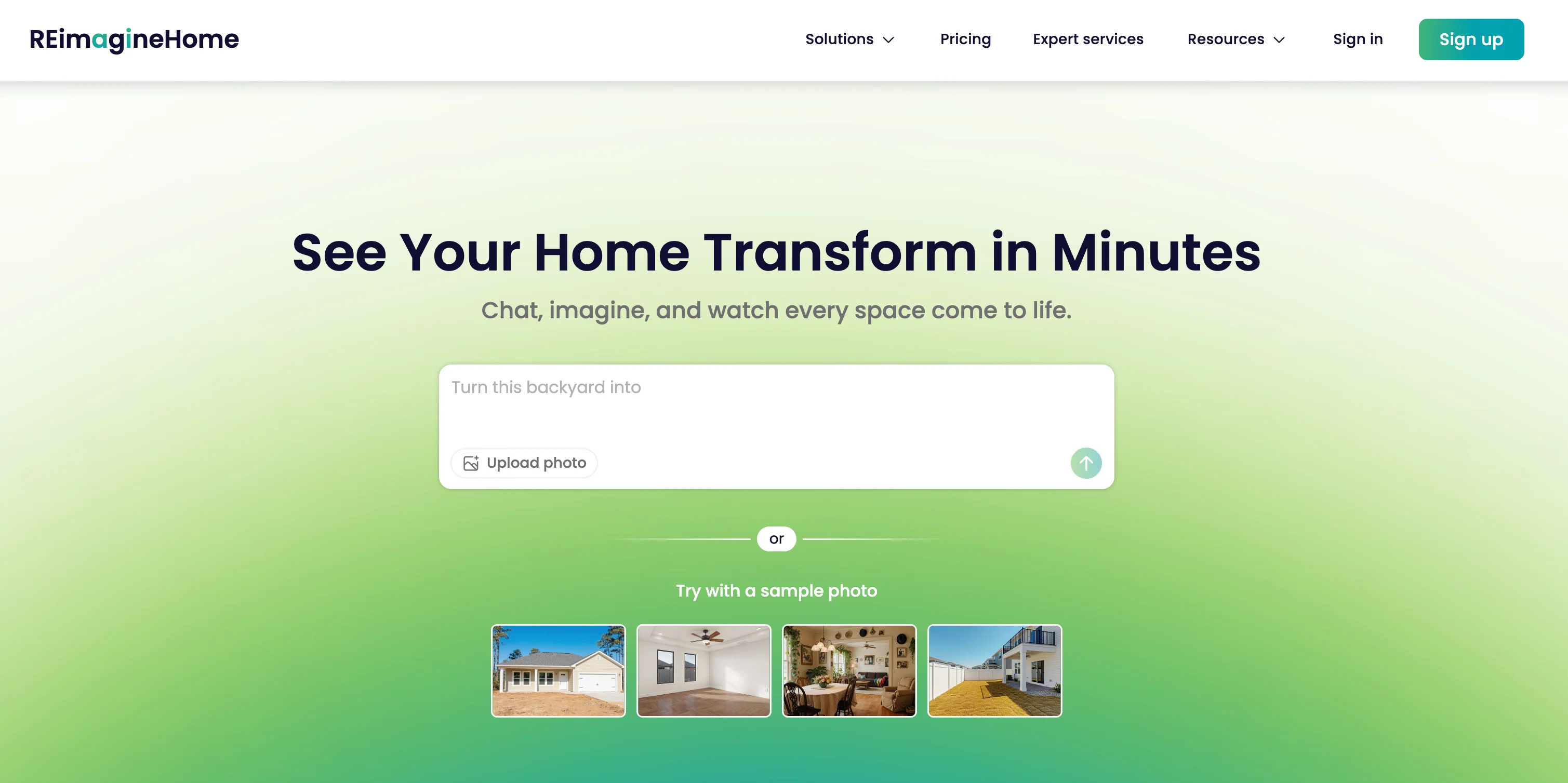
The standout feature for agents is breadth. Most AI staging tools only do furniture-add. REimagineHome also declutters, removes items, swaps out backyards and exteriors, and produces before/after sliders that are useful for social posts and seller presentations. Their staged images are marketed as usable on listing platforms with standard "virtually staged" disclosure.
On the technical side, REimagineHome offers an API for teams or brokerages that want to wire staging into a listing-prep pipeline. Turnaround is fast — seconds to under a minute per image in vendor copy and third-party tests — which puts it in the same tier as the fastest instant-AI tools in the group.
If you want a single tool that can cover staging, decluttering, exterior rendering, and disclosure-friendly output without bolting together multiple apps, REimagineHome is the strongest pick. It's best suited to agents who handle a wide variety of listings — vacant, occupied, interior and exterior — and want one tool for all of them.
REimagineHome Best Features
- Compliance checks and MLS-friendly staged output
- Decluttering and item removal alongside virtual staging
- Exterior and landscaping edits for curb appeal
- Before/after sliders useful for social and seller pitches
- API access for team and brokerage workflows
REimagineHome Pricing
- From $19 per month for 30 images (~$0.63/image on entry plan)
- Higher-volume plans with lower per-image cost
- Limited free designs available with no card required to start
3. Collov AI: Best for Teams, Brokerages, and MLS Partnerships
Collov AI is the most platform-oriented pick in the group. It's built with teams, brokerages, and MLS organizations in mind, and it surfaces features that most solo-agent tools don't bother with — a one-click disclaimer, commercial photo licensing, 360 panoramic staging, and an MLS partnership page.

For solo agents, the standout features are the one-click disclaimer (which stamps a "virtually staged" label directly on the image) and the 10-second turnaround on standard staging. For teams and brokerages, the bigger story is the commercial license and the API — it's one of the few AI staging tools that makes integrating into an internal listing workflow straightforward.
Collov also supports a multi-angle staging flow with a roughly 3-business-day QA turnaround when you need the same room staged consistently across several photos. That matters for full-listing jobs where buyers will flip between kitchen, living room, and dining shots and notice if the furniture style doesn't match.
Collov is the right pick if you're not just buying for yourself — if you're equipping a team, running a brokerage, or looking for an MLS-friendly vendor with a commercial license. Solo agents can still use it, but the platform features are what set it apart.
Collov AI Best Features
- One-click "virtually staged" disclaimer
- Commercial photo license included on paid plans
- 10-second turnaround for standard staging
- 360 panorama and multi-angle staging workflow
- MLS partnership page and brokerage-friendly API
Collov AI Pricing
- Paid plans with commercial license (cost per image on some tiers lands around $0.30)
- Enterprise and partnership tiers for teams and MLS orgs
- 2 free photos to try before committing
4. AI HomeDesign: Best All-in-One Listing Photo Toolkit
AI HomeDesign is positioned less as a pure staging app and more as a full listing-photo editing toolkit. In addition to virtual staging, it handles item removal, image enhancement, and day-to-dusk conversion — the edits agents most often need to turn raw listing photos into polished final assets.
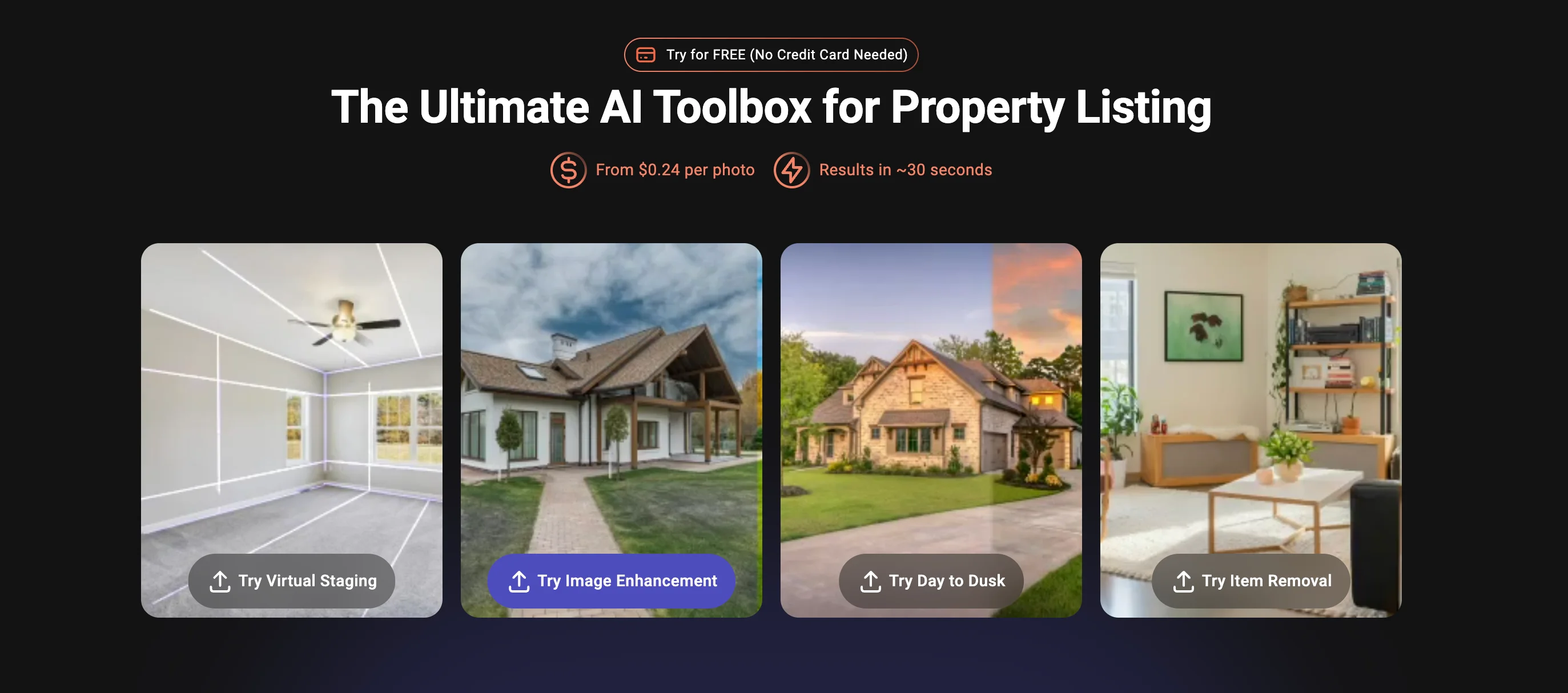
The breadth is the story here. If you've ever had a listing photo where the sky was gray, a tenant's clutter was still on the counter, and the living room was empty, AI HomeDesign handles all three problems in a single tool. Virtual staging runs in about 30 seconds, and the other edits are similarly fast.
It also leans hard into compliance content — they publish articles specifically about what's allowed in MLS listings and when disclosure is required — which is a useful signal that the vendor is paying attention to the regulatory side of virtual staging. For agents worried about disclosure rules, that's a meaningful differentiator.
Pricing starts in the same range as REimagineHome ($19/mo for 30 photos) with a human-staging add-on at roughly $14/image if you need premium realism on a hero shot. AI HomeDesign is the right pick if your workflow needs to cover more than just staging and you'd rather pay for one tool than three.
AI HomeDesign Best Features
- Virtual staging in roughly 30 seconds
- Item removal and decluttering built in
- Image enhancement and day-to-dusk conversion
- Human staging add-on for premium hero shots
- Dedicated MLS compliance content and batch-friendly API
AI HomeDesign Pricing
- From $19 per month for 30 photos
- Human staging add-on at $13.99 per image
- Free credits available to try before committing
5. Apply Design: Best for Hands-On Control and 360 Staging
Apply Design is the pick for agents and listing photographers who don't want to click "generate" and accept whatever the AI produces. It combines AI generation with a drag-and-drop editor, a library of 18,000+ furniture pieces, and unlimited revisions — so you can fine-tune placement, swap items, and keep a style consistent across multiple views of the same room.

The biggest differentiator is control. Most AI staging tools give you one shot at a room and then force you to regenerate if anything looks wrong. Apply Design lets you pick up the generated room and edit it directly — drag the couch over, swap the rug, replace a plant — so you can hit exactly the look your listing needs without re-rolling the whole image.
It's also one of the few AI staging tools with 360 virtual staging, which matters if your listings include immersive tours or Matterport walkthroughs. The tradeoff is speed: third-party testing clocked renders at roughly 10–15 minutes per image, noticeably slower than the 10-second instant tools. You're trading speed for polish and control.
Apply Design is the right pick for agents or photographers who care more about the final image looking exactly right than about generating dozens of options quickly. If your clients are in the luxury segment, or you do your own listing photography and want editorial control, it's the most flexible tool on this list.
Apply Design Best Features
- Drag-and-drop editor on top of AI generation
- 18,000+ furniture pieces to mix and match
- Design consistency across multiple views of the same room
- 360 virtual staging for immersive tour workflows
- Unlimited revisions with a money-back guarantee
Apply Design Pricing
- $7 per image on the DIY editor
- $10.50–$15 per image for one-click AI staging
- $14–$25 per image for 360 virtual staging
- Free trial and money-back guarantee
Conclusion: Roomika AI Is the Best All-Around AI Virtual Staging App for Agents in 2026
AI virtual staging has matured a lot in the last two years. The best tools now do more than just drop furniture into a vacant room — they declutter, remove items, render exteriors, and stamp disclosure labels onto listing-ready images in seconds. For real estate agents, the practical decision isn't "should I use AI staging" — it's "which tool fits my listing workflow, pricing model, and turnaround requirements."
When you're picking one, ask yourself three things: (1) How many listings are you staging per month? High-volume agents benefit most from per-image or credit-based pricing rather than flat subscriptions. (2) Do you need more than just furniture — decluttering, exterior edits, day-to-dusk conversion? If so, breadth matters more than raw speed. (3) Are you solo, on a team, or running a brokerage? Teams and brokerages benefit from API access, commercial licensing, and partnership-friendly vendors.
For most real estate agents, Roomika.AI is the strongest all-around pick. It's fast enough for listings that need to go live today, flexible enough to handle vacant rooms, empty-the-room edits, and style refreshes, and affordable enough to stage every listing — not just the premium ones. The video generation feature is also genuinely useful for social marketing and seller presentations, which most competing tools don't offer at all. If you want the fastest path from "I need this listing photographed and staged" to "it's live on the MLS," Roomika is the easiest place to start. Check out Roomika pricing to find the plan that matches your listing volume.