For interior designers
Concept rounds at the speed of inspiration
Show your client six directions in an evening. Skip the back-and-forth.
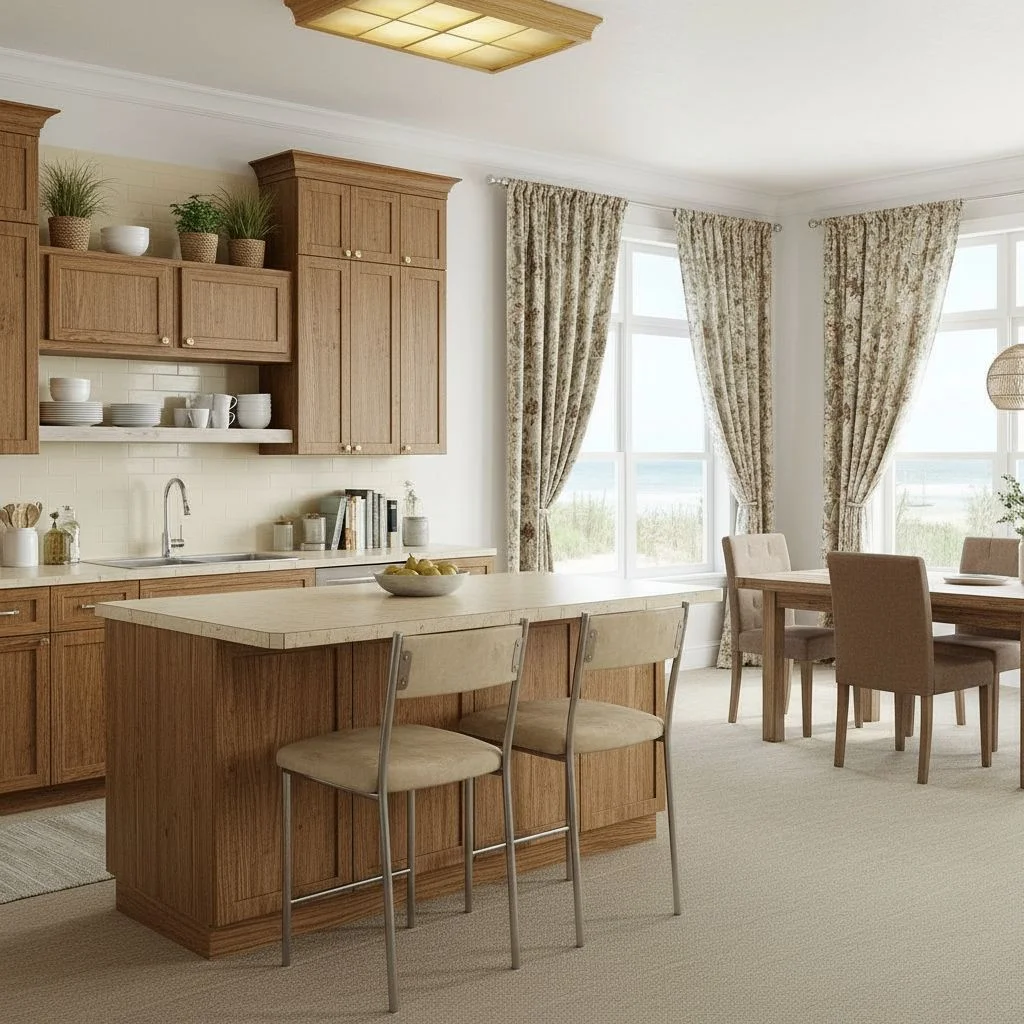
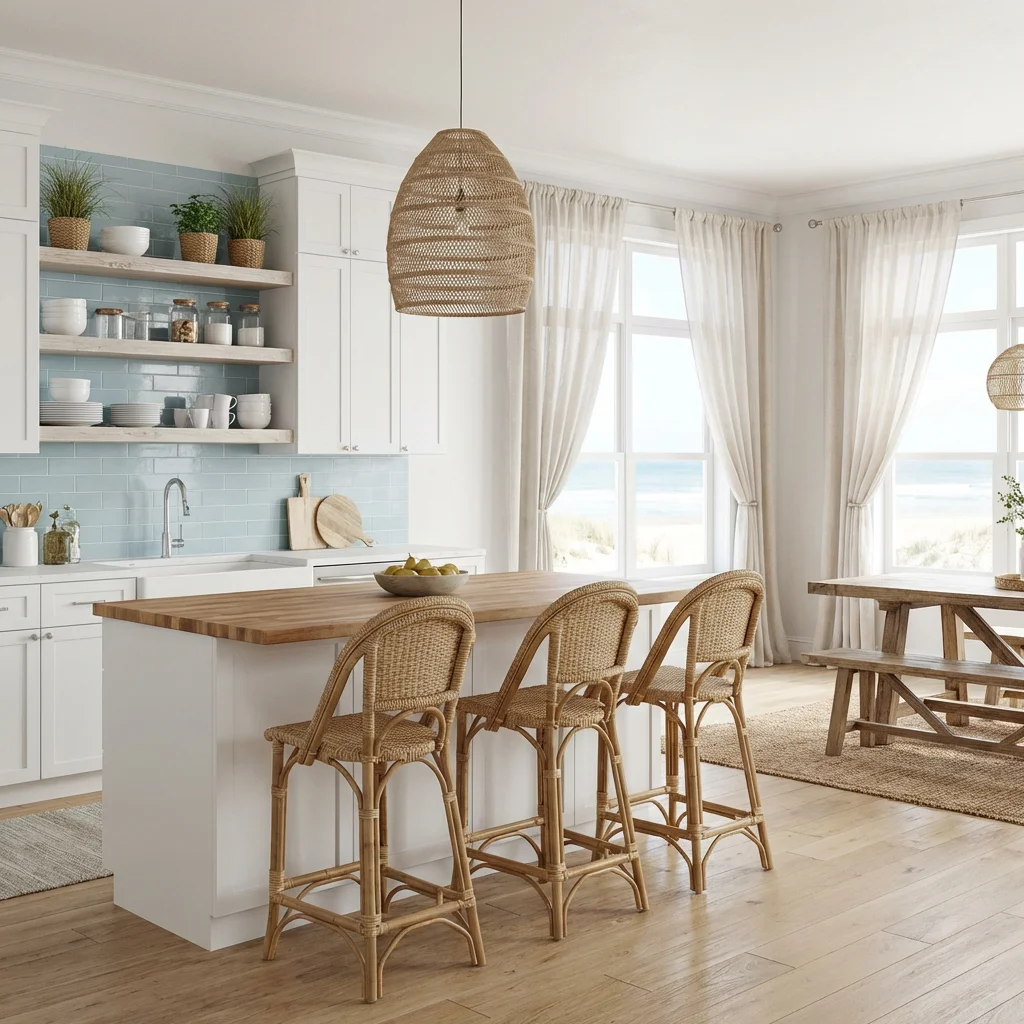
And more every day.
As seen on



How designers use Roomika
Three steps. Faster concepts.
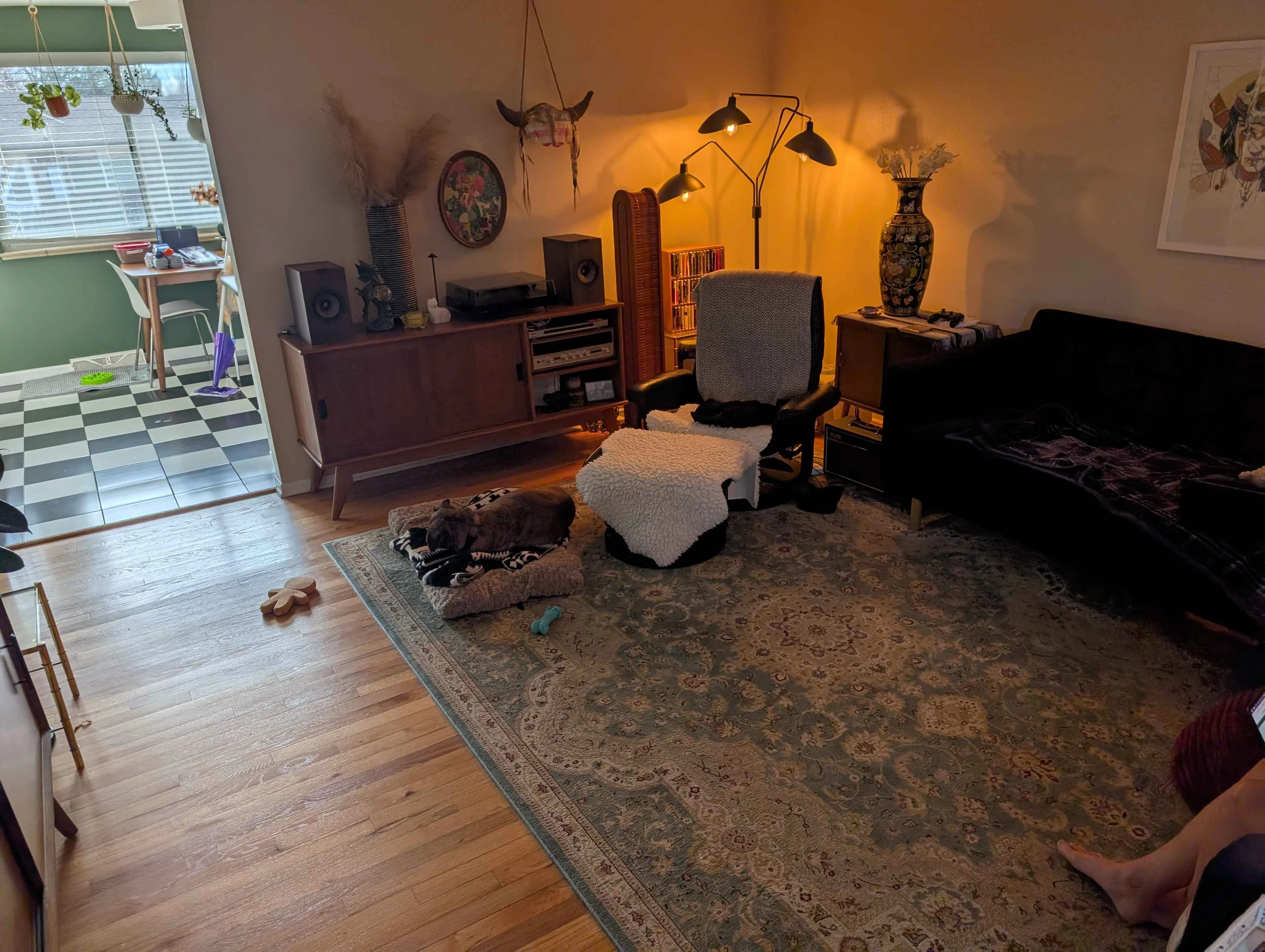
Drop your room photo here
JPG or PNG, any size
living_room.jpg
2.4 MB
Upload your room
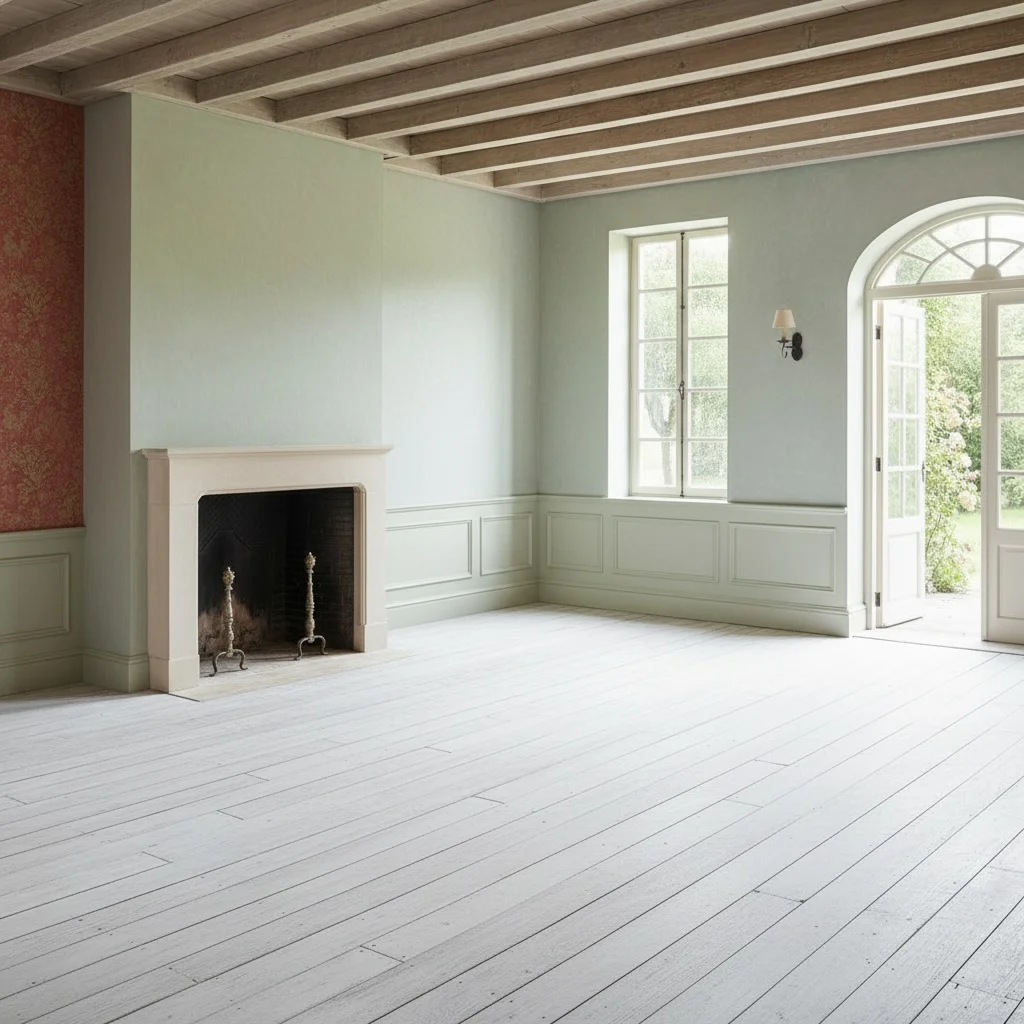
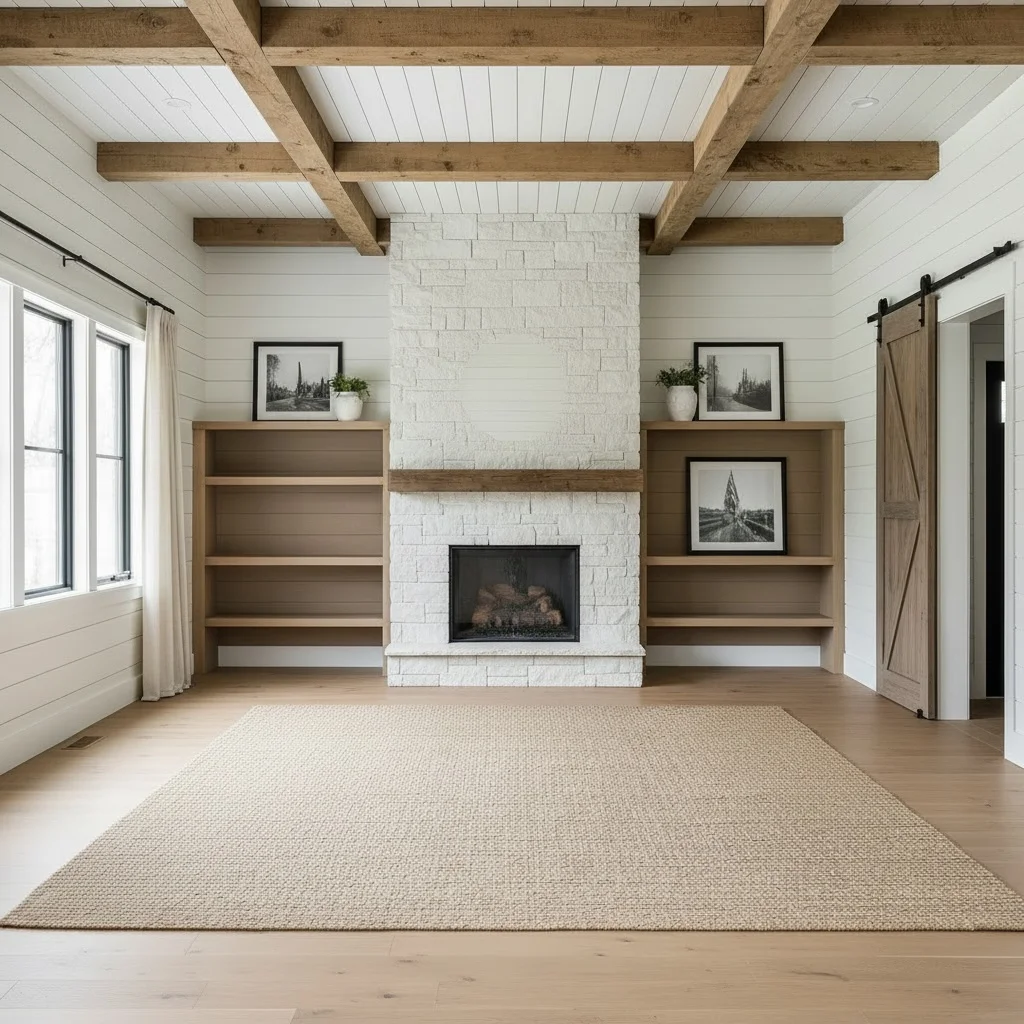
Take a photo of any space — furnished or empty. Kitchen, bedroom, living room, office — anything works.
Upload your first photo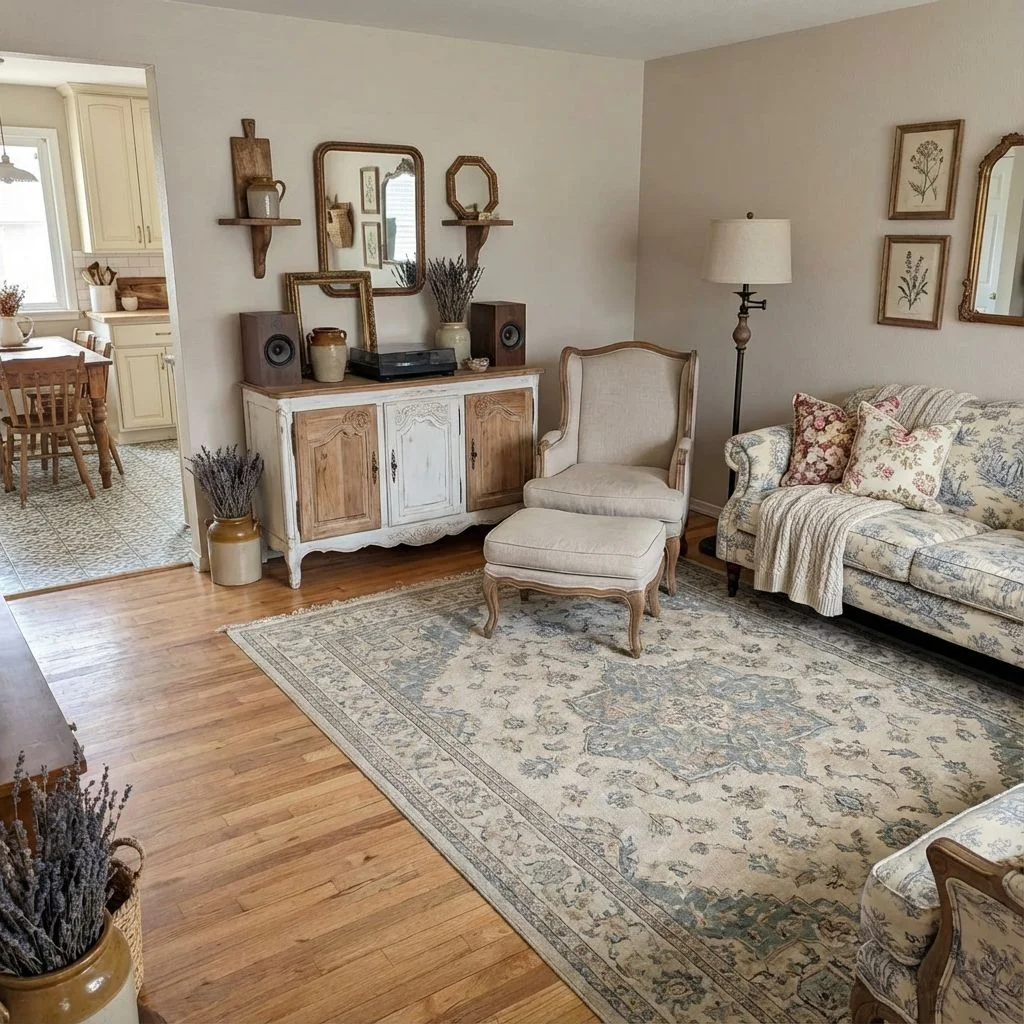
Describe your changes
Choose your direction
Pick from 6 modes: redesign, match a room, custom edit, empty the room, stage, or place a product. Then select a style.
Explore all 6 modes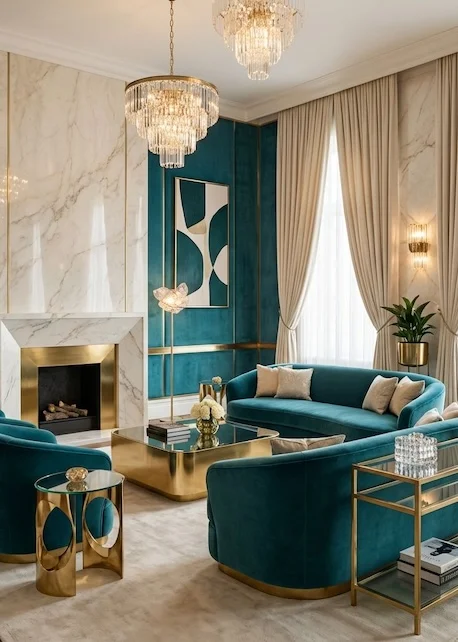
Dimplex IgniteXL 50 Linear Fireplace
$2,999
Pottery Barn Belgian Flax Linen Drapes
$189
Wayfair “Larkspur” Velvet Sofa
$1,149
West Elm Brass Nesting Coffee Table
$499
See it transformed
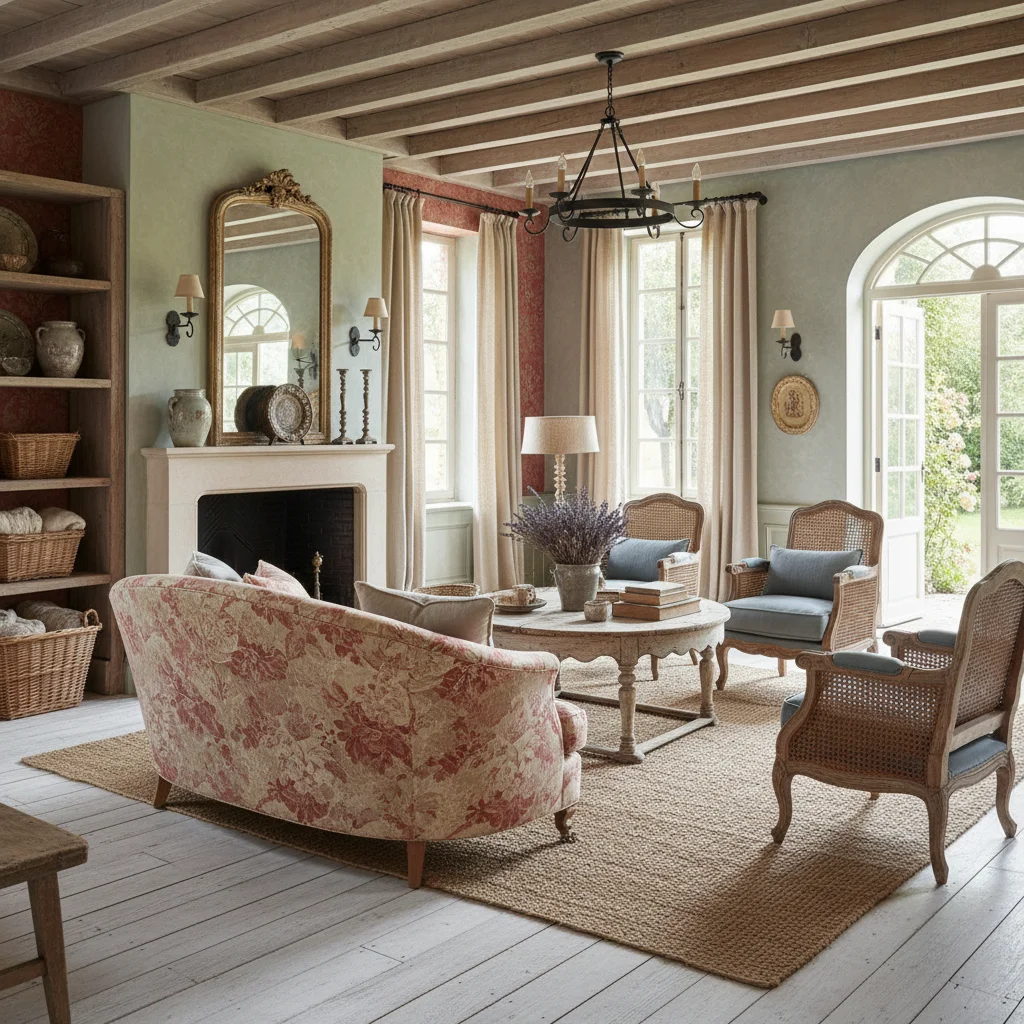
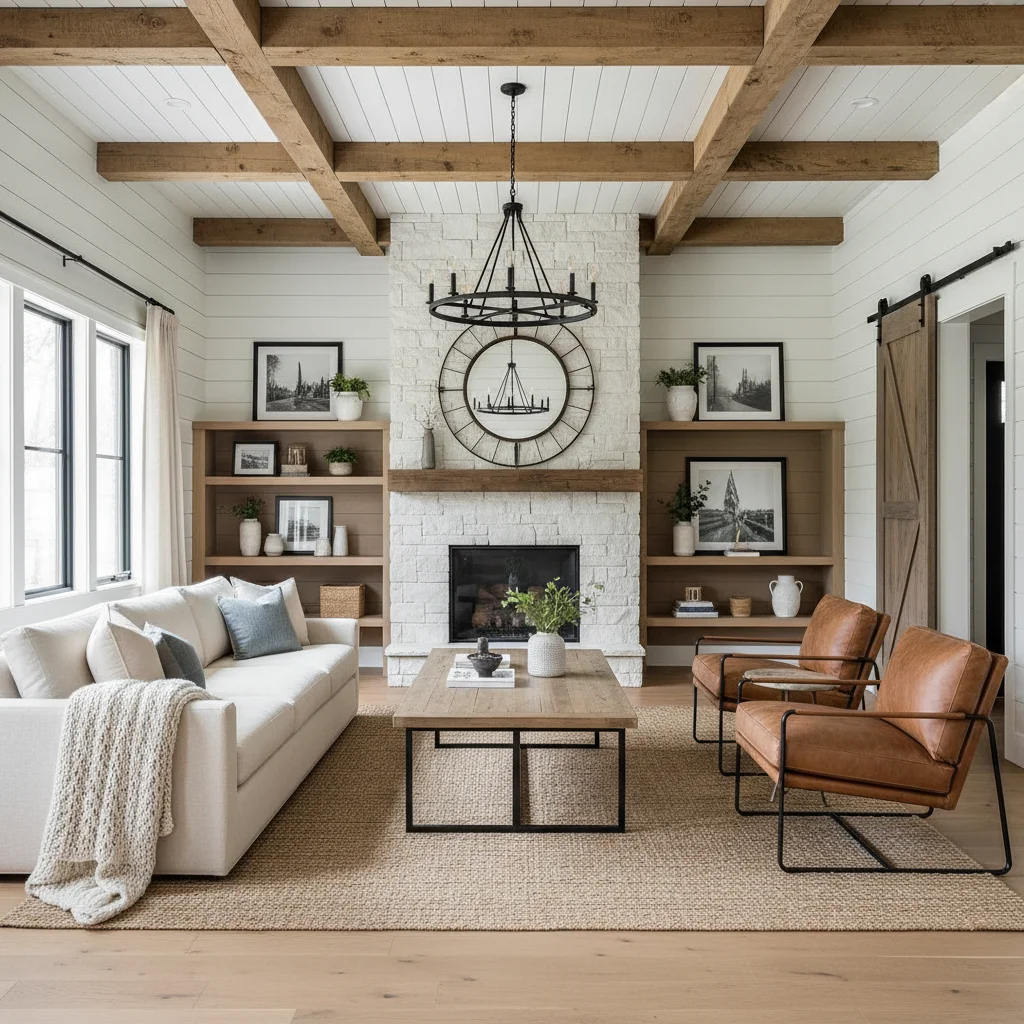
Get photorealistic redesigns in under 30 seconds. Compare options side by side and pick the direction that's right for your space.
Try it nowSix modes for client work
Every tool you need to explore a brief.
Whether you're choosing a style, staging a listing, or deciding on furniture — upload once and see real results in seconds.
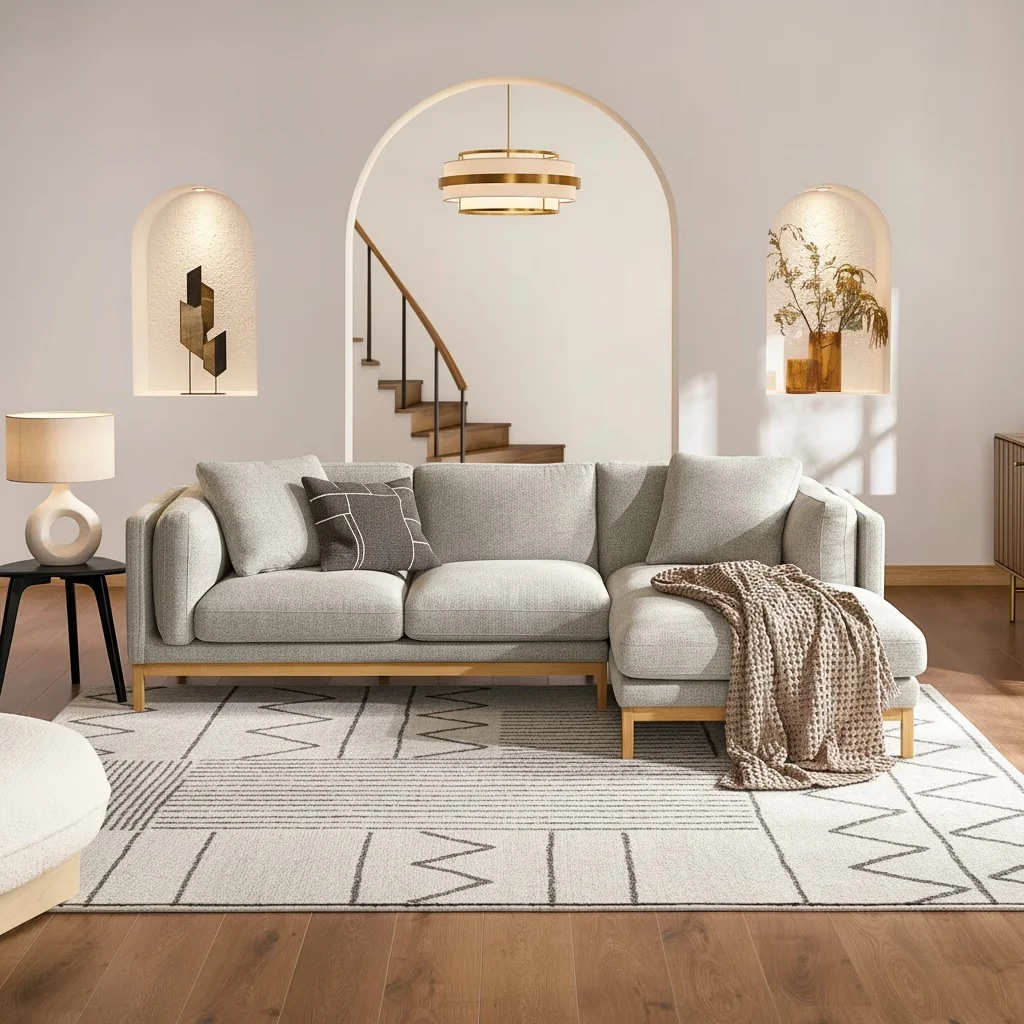
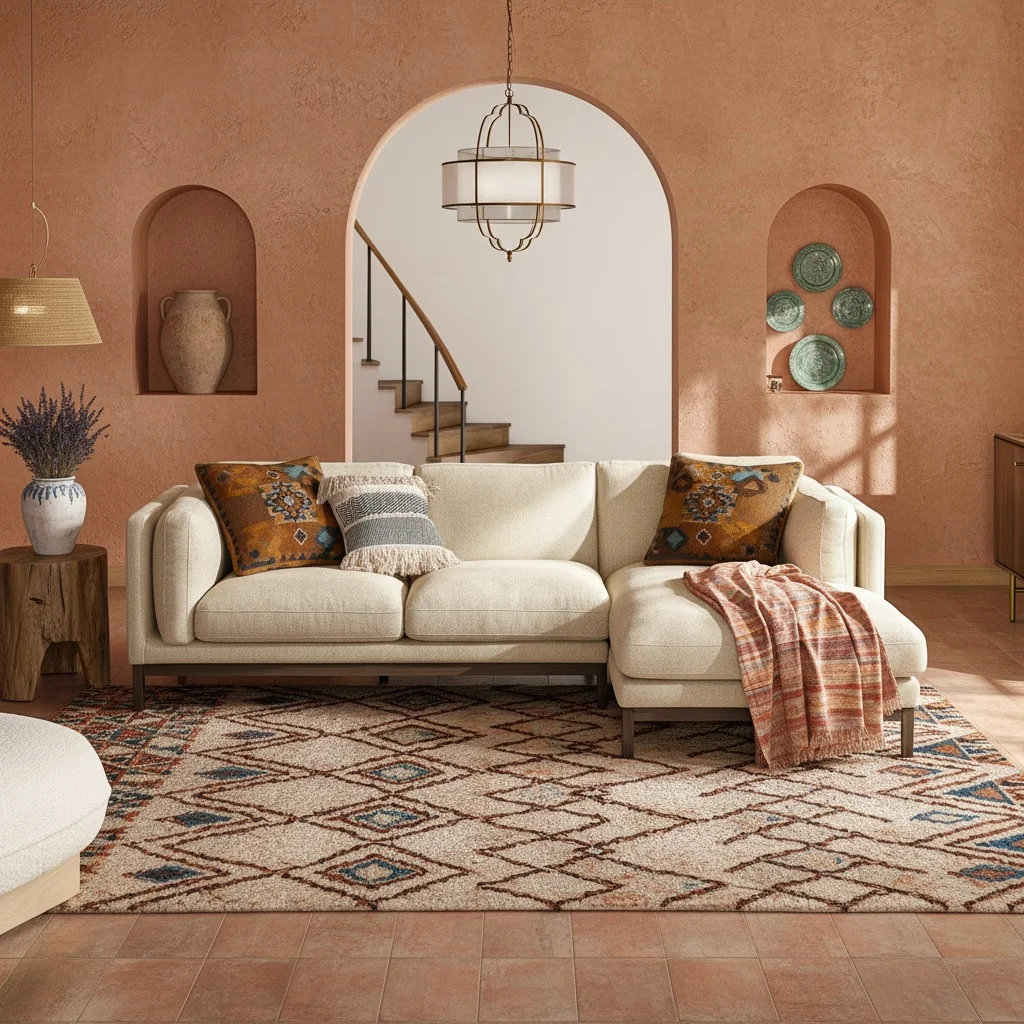
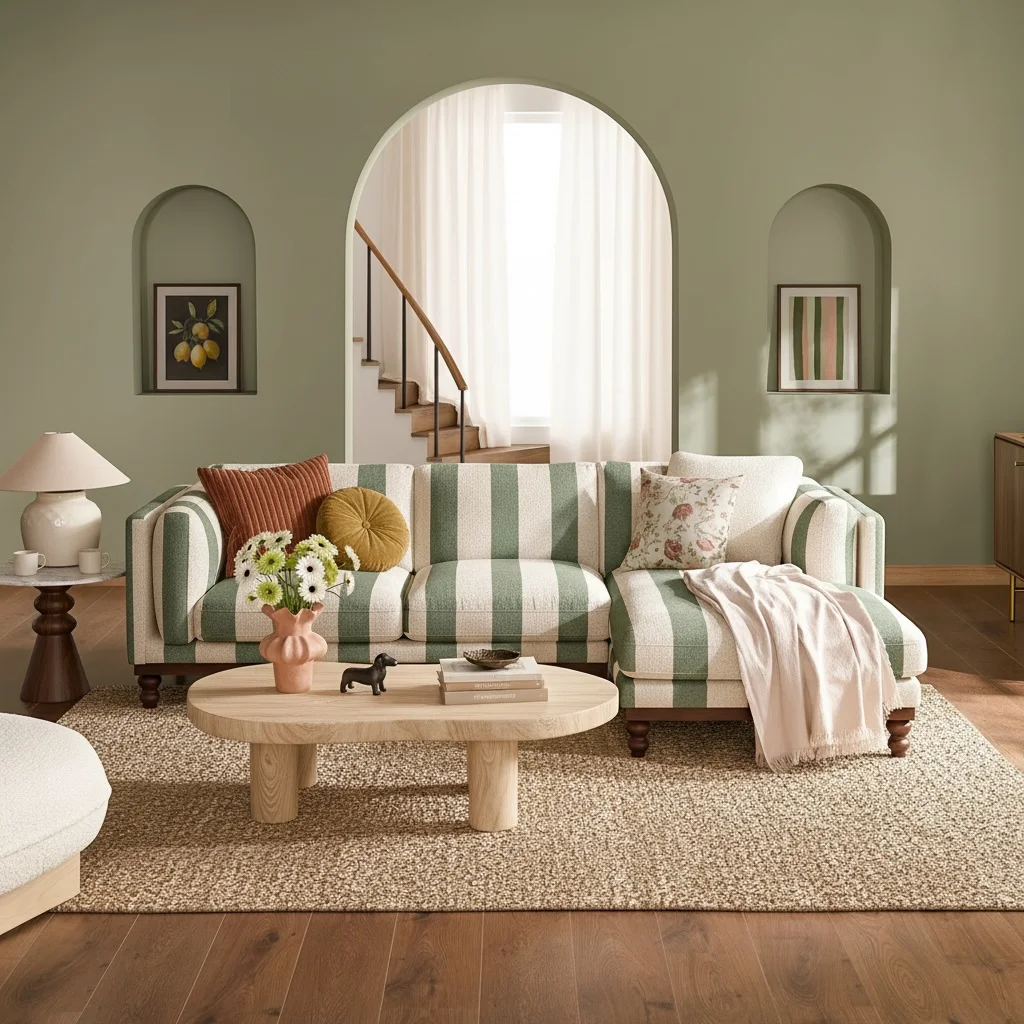
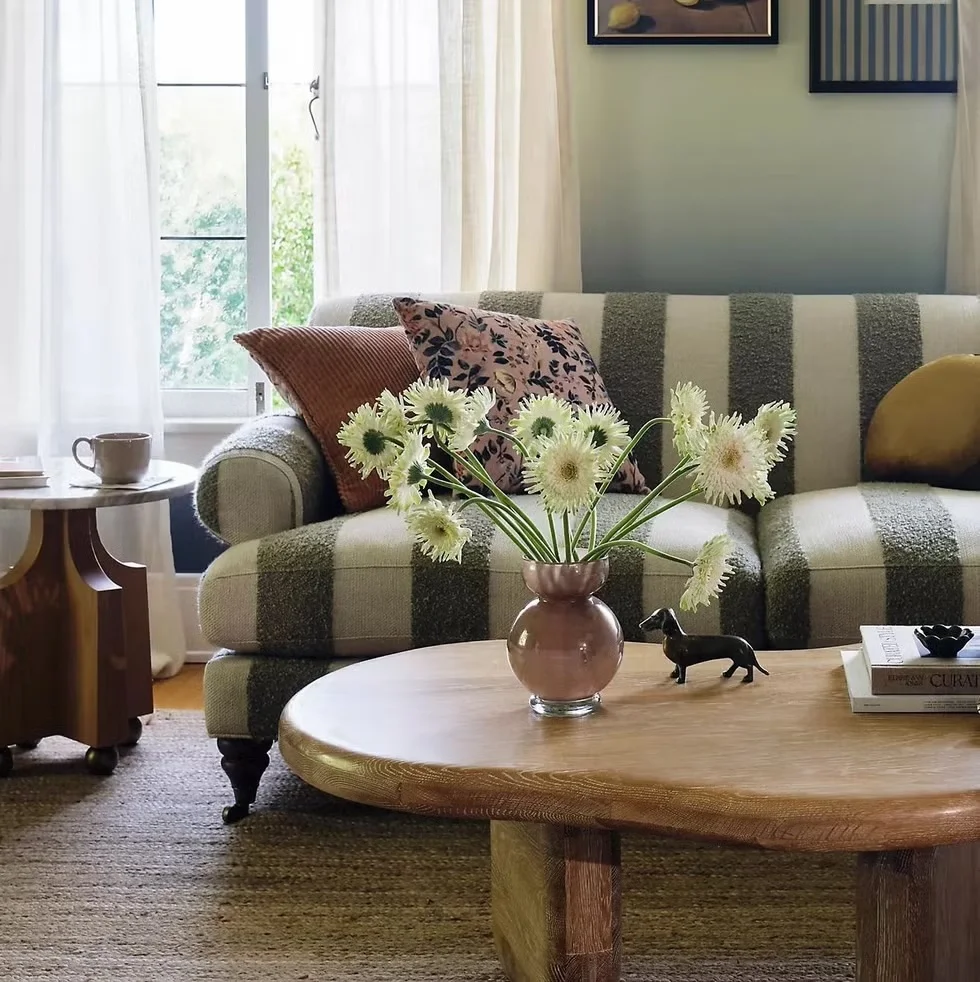
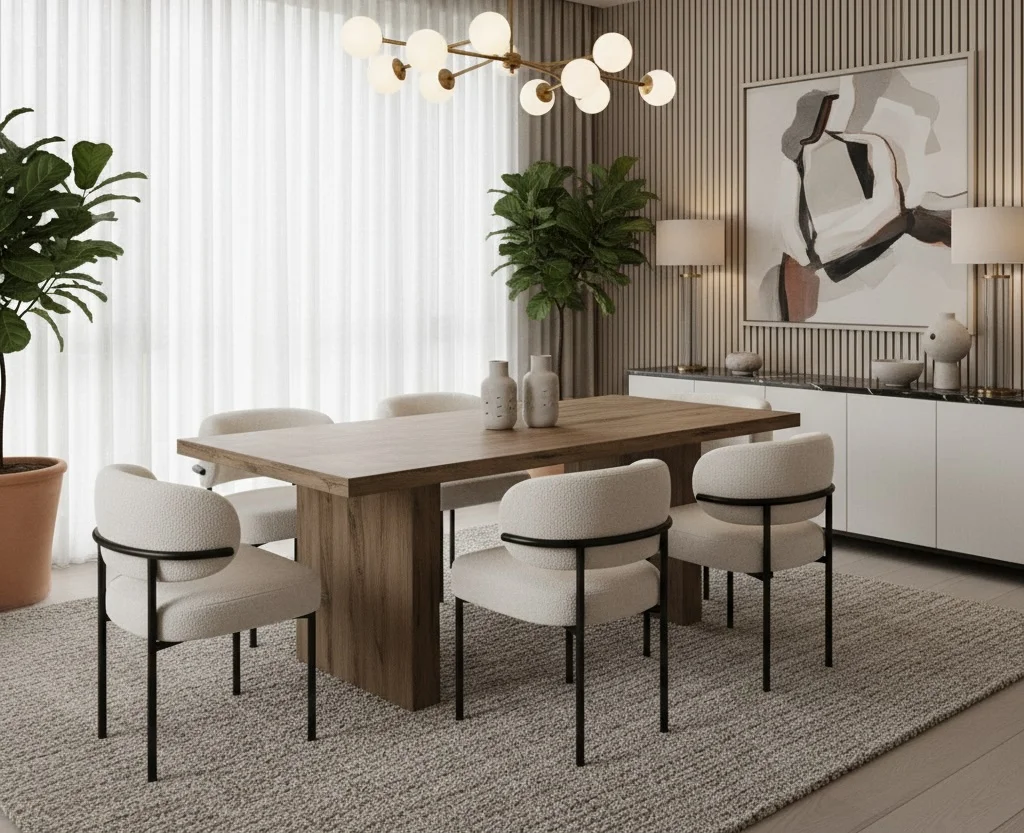
Prompt
"Make this dining room contemporary with a warm wood table, boucle chairs, and soft globe lighting."
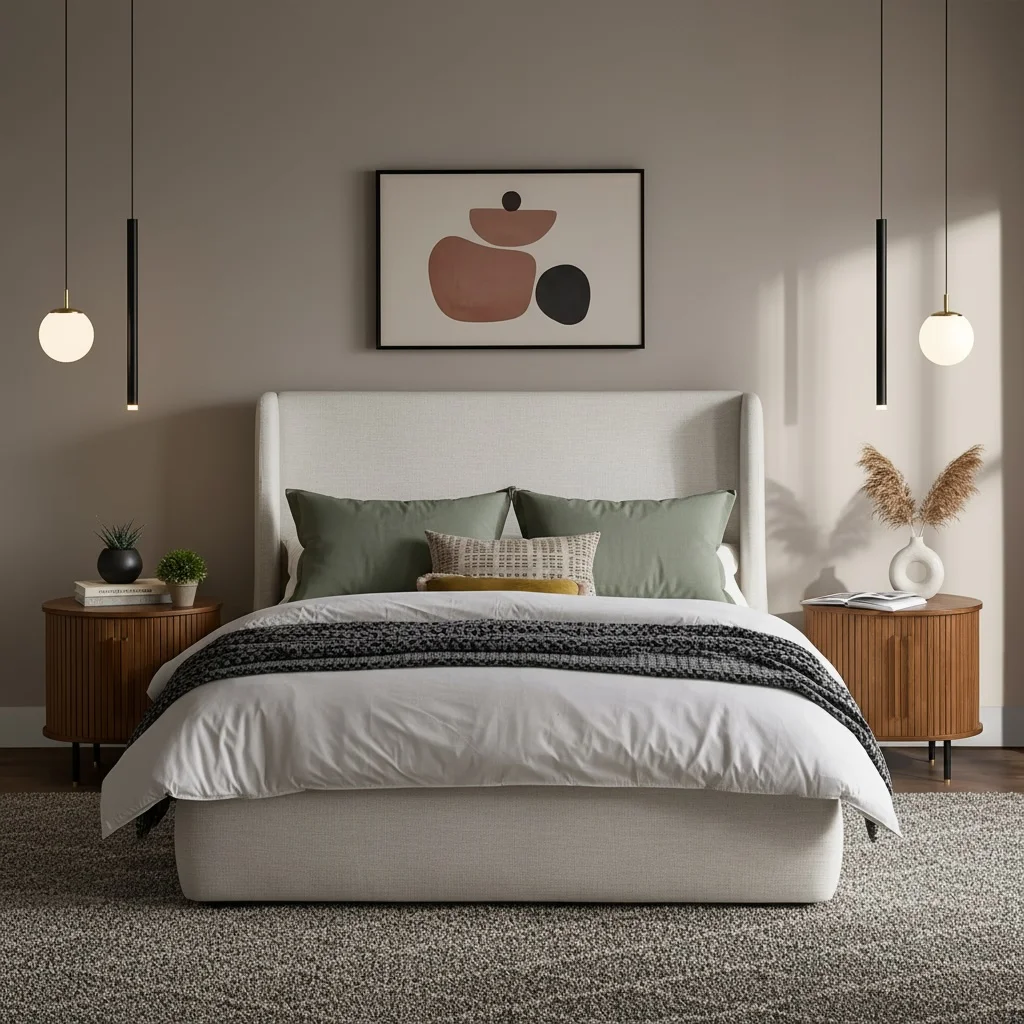
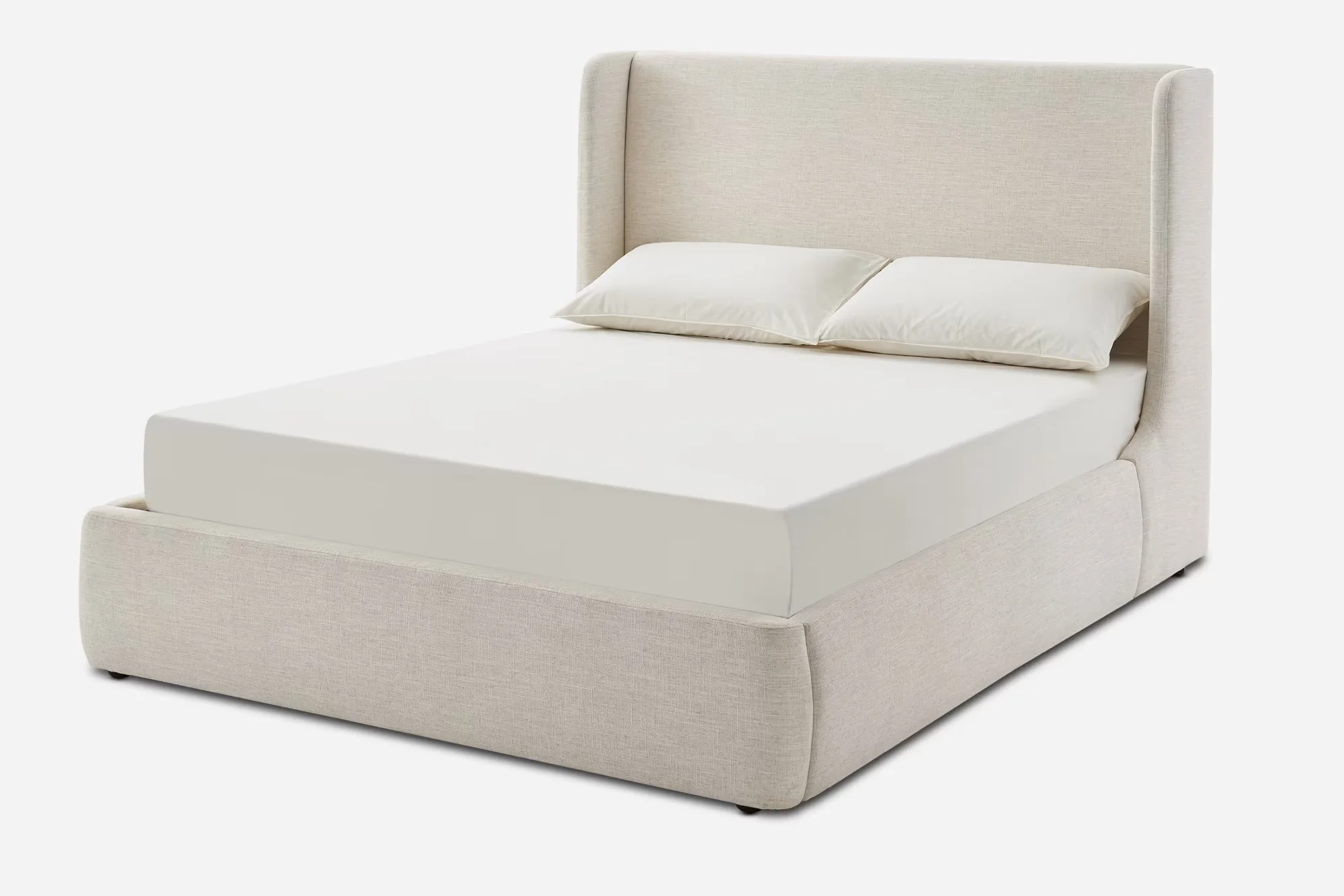
Dalton Upholstered Bed
$1,099
Real results
Real rooms, real transformations
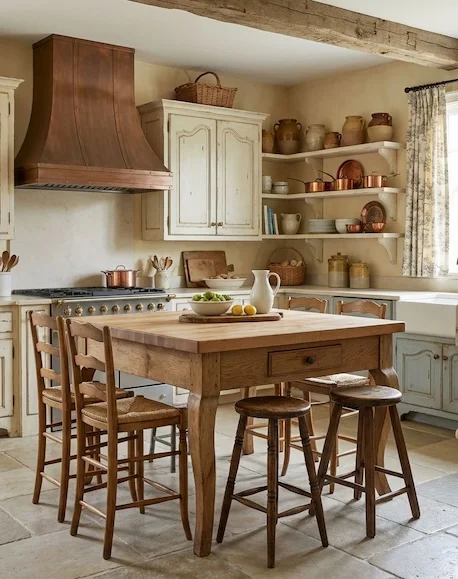
French
Kitchen
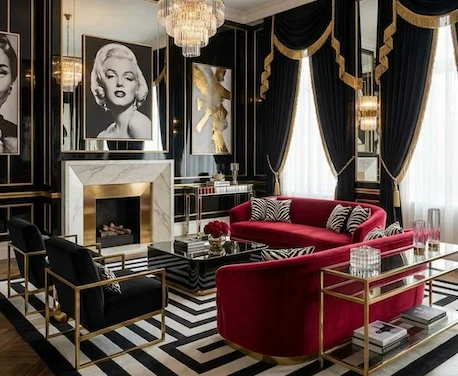
Hollywood
Living Room
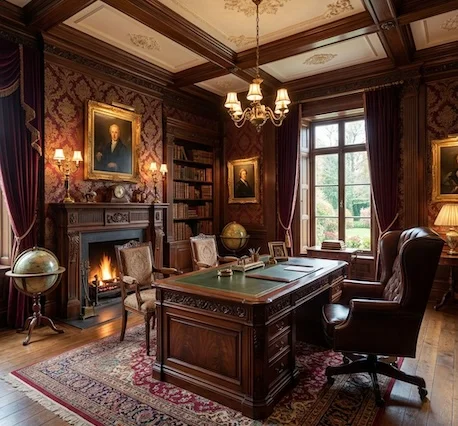
Victorian
Office
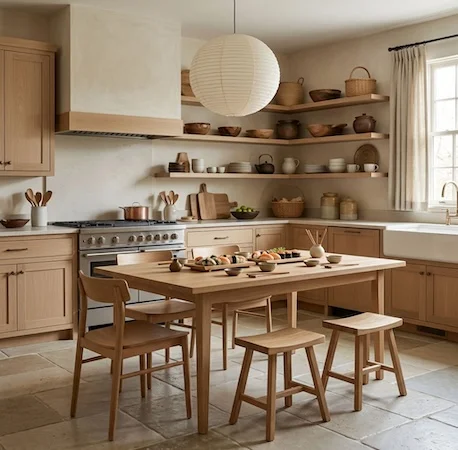
Japandi
Kitchen
Luxury
Living Room
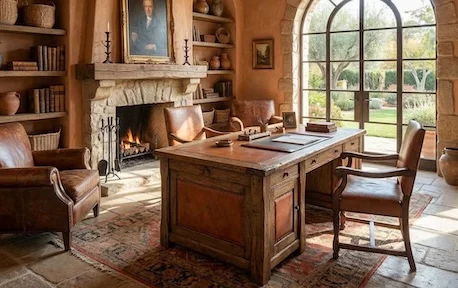
Mediterranean
Office
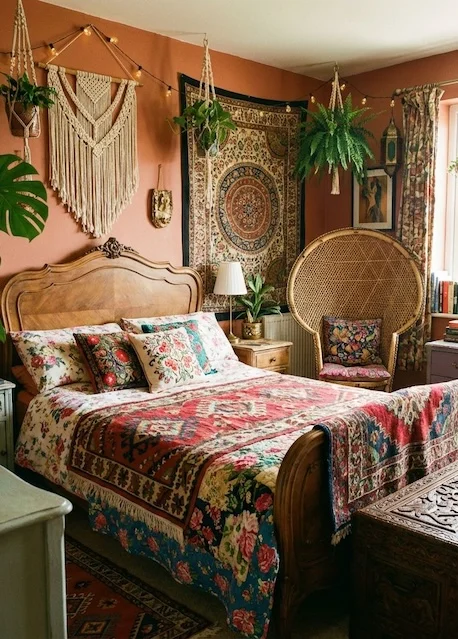
Bohemian
Bedroom
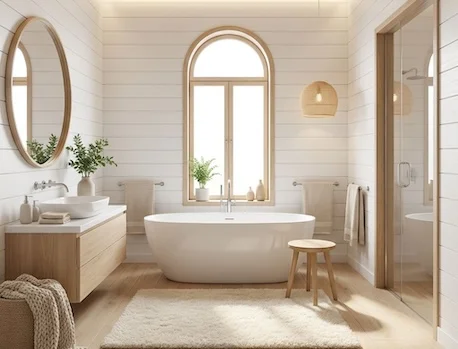
Scandinavian
Bathroom
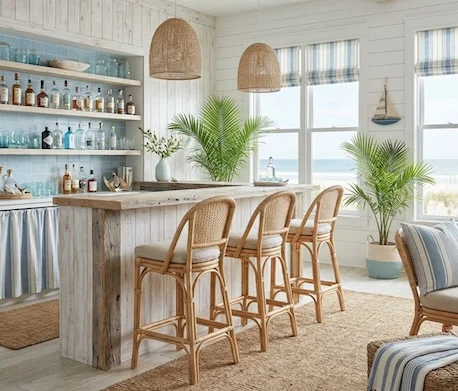
Coastal
Bar
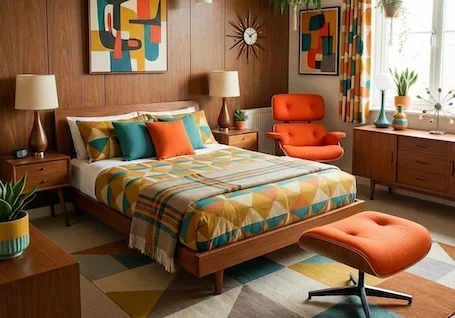
Mid-Century Modern
Bedroom
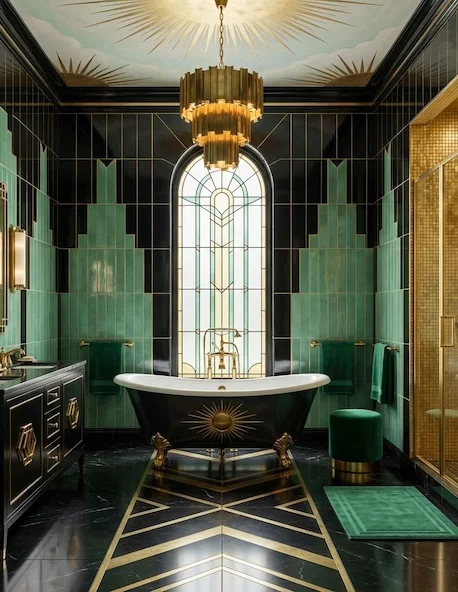
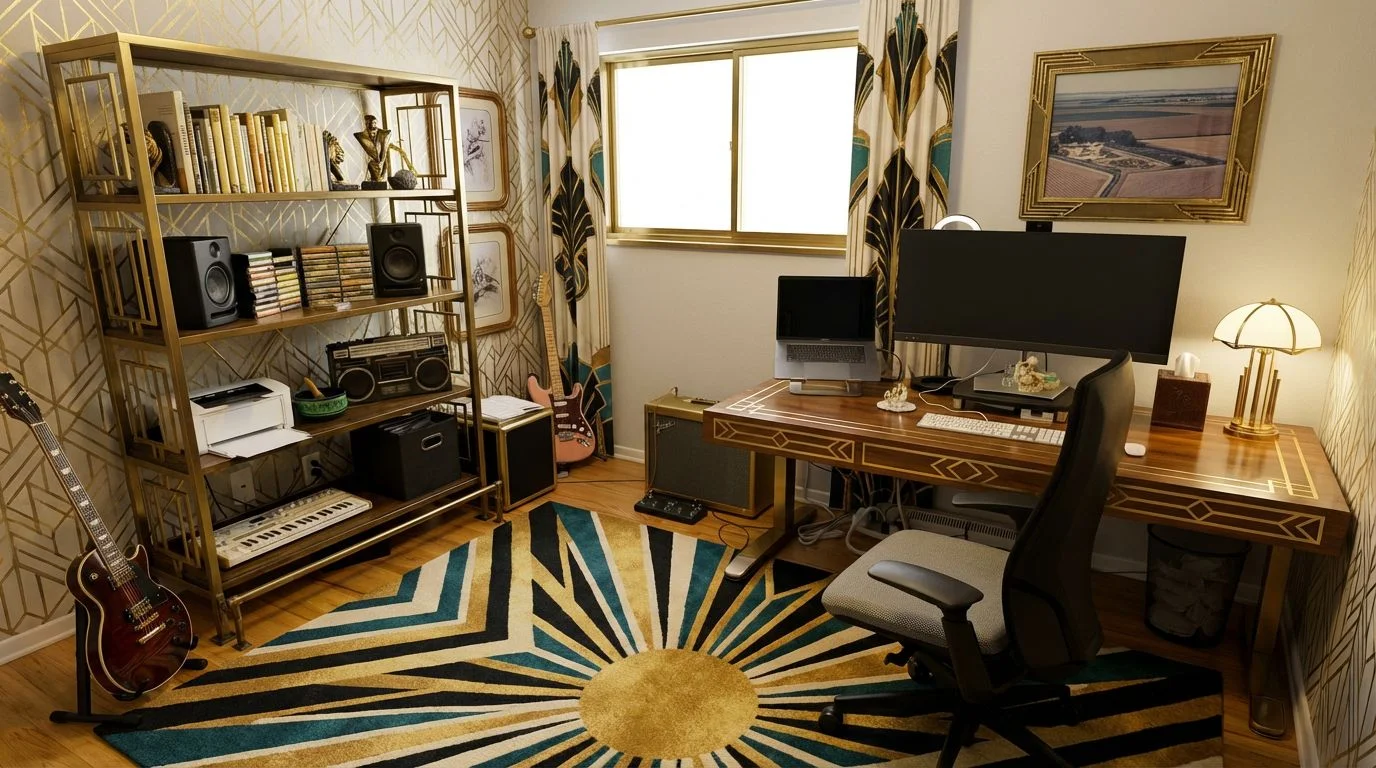
Art Deco
Bathroom
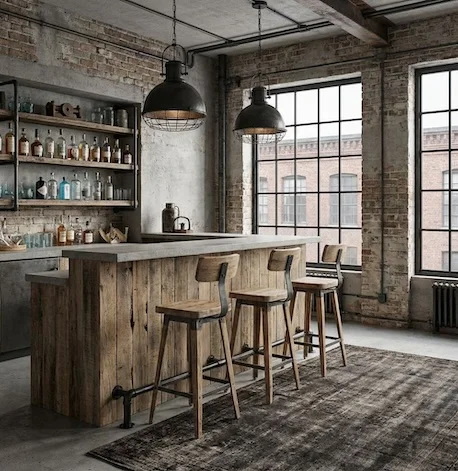
Industrial
Bar
Why designers choose Roomika
Iterate concepts before you spend another evening on revisions
Hiring a designer
Cost
$5,000+
before furniture
Time to first concept
4–6 weeks
of back and forth
Design options
1–2 per round
revisions cost extra
Risk
High
hard to undo once you commit
Roomika
Cost
From $20
for dozens of designs
Time to first concept
30 seconds
upload and done
Design options
Unlimited
20+ styles, 6 modes
Risk
Zero
cancel anytime, no commitments
Join 2M+ designs already created. Cancel anytime.
Built for client workflows
The pain points we solve every day
Client revisions take weeks.
Iterate styles in minutes — generate three new directions before your morning coffee.
Mood boards aren’t real enough.
Photorealistic concepts on the client’s actual space — no more “but will it look like that in MY room?”
Hard to communicate vision.
Generate six variations to narrow direction together — close the gap between “what I see” and “what they see.”
Reviews
Designers move faster with Roomika
Interior designers and design studios using Roomika to compress concept rounds.

mayapatel
Homeowner
1,247 likes
mayapatel My partner and I kept sending each other Pinterest links, but nothing clicked. We uploaded one photo of our office and generated a bunch of options in different styles. Seeing realistic variations made the decision obvious.
Perfect for quick client concept rounds
"For early ideation, this is insanely useful. I can explore styles, staging, and mood quickly using the client’s actual space, then bring the strongest directions into my normal process."

Jamal Robinson
Interior DesignerReplaced my entire mood board workflow
"I used to spend hours sourcing reference images from Pinterest and 1stDibs. Now I just generate variations on my client’s actual room. Faster, more relevant, way more compelling."

Sara Chen
Interior DesignerWins clients before the proposal
"I bring three or four generated concepts to the first client meeting. The conversation goes from “what do you do?” to “when can we start?” instantly."
Andre Davis
Design Studio FounderFaster iteration, happier clients
"Client says “lighter” or “more modern” — instead of a week of back-and-forth, I generate three new options that night. Project velocity has doubled."

Lucia Romano
Interior DesignerWalkthrough video
Walk clients through your concept before they sign off
Turn your favorite concept into a short walkthrough video. Send it to the client, get reactions in hours instead of weeks, and lock in direction faster.
Create a Video
Videos start at 10 credits
Pricing
Pick a plan, start designing today
No hidden fees. No per-image charges. Cancel anytime.
One-Time Pass
Try Roomika — no subscription needed.
$0.71/design
- 75 credits
- Up to 35 image designs
- Up to 3 videos
- All 6 transform modes
- Credits never expire
Basic
Redesign your home with confidence.
$0.22/design
- 130 credits / month
- Up to 90 image designs
- Up to 8 videos
- All 6 transform modes
- 20+ design styles
Pro
For professionals who present to clients.
$0.17/design
- 250 credits / month
- Up to 210 image designs
- Up to 20 videos
- All 6 transform modes
- 20+ design styles
Studio
For agencies and high-volume workflows.
$0.13/design
- 600 credits / month
- Up to 560 image designs
- Up to 50 videos
- All 6 transform modes
- 20+ design styles
Cancel your monthly plan anytime. No commitments.
Not ready to subscribe? Start with the $25 one-time pass.
Upload a photo of your room (or a space you’re working on). Choose a style and a mode (like emptying the room, virtual staging, or a full redesign). We generate realistic variations you can compare and iterate on.
Use a clear, well-lit photo with the whole room in frame. Straight-on angles usually work best. Avoid extremely dark shots, heavy filters, motion blur, or photos where the space is mostly blocked by people or clutter.
Just one room photo is enough to start. If you want to explore multiple angles or different rooms, upload one photo per space for the best results.
Less than a minute, and usually less than 30 seconds. Timing can vary depending on demand and how many variations you generate.
We accept JPEG and PNG uploads. If an image is extremely low resolution or corrupted, it may fail to process.
Yes—our goal is to keep the structure and perspective of your space while changing the decor, styling, and overall vibe. Clear, well-lit photos tend to produce the most consistent results.
Common use cases include virtual staging for empty rooms, trying different interior design styles, exploring furniture and decor directions, and generating “before vs after” concepts for projects and clients.
Yes. The AI handles real rooms — messy, half-finished, oddly shaped, whatever you have. Clearer photos give better results, but you don’t need to stage the room before uploading. If a first pass doesn’t hit, try a different mode (like “Empty the Room” first) or a different style.
Yes. The “Custom Edit” mode lets you describe targeted changes — things like “change the cabinets to white” or “add a rug.” You can also try a different style, or use “Match a Room” to replicate a look from a reference photo.
Generate again. Each credit gives you a new attempt, so the one-time pass gets you up to 35 designs. Try a different style, a different mode (redesign, custom edit, staging), or a clearer photo. Most users find a design they love within their first few tries.
Yes. Real estate agents, stagers, and interior designers use Roomika for virtual staging, client presentations, and concept rounds. You own the generated images and videos, and you can use them commercially.
Yes. You can take your favorite redesigns and generate short before-and-after videos that are great for social posts, listings, and client presentations.
You do. Your generated outputs are yours to download and use.
We do not sell your data. Your uploads are used only to generate your results and aren’t shared publicly without your explicit consent.
Yes. Our one-time pass is $25 and gets you 75 credits — enough for about 35 designs or 3 videos. No subscription, no recurring charges. If you need more later, you can buy another pass or switch to a monthly plan.
Yes. You can cancel anytime from your account settings — no questions asked. Your credits remain available until the end of your billing period.
From the Blog
Interior Design Tips & Insights
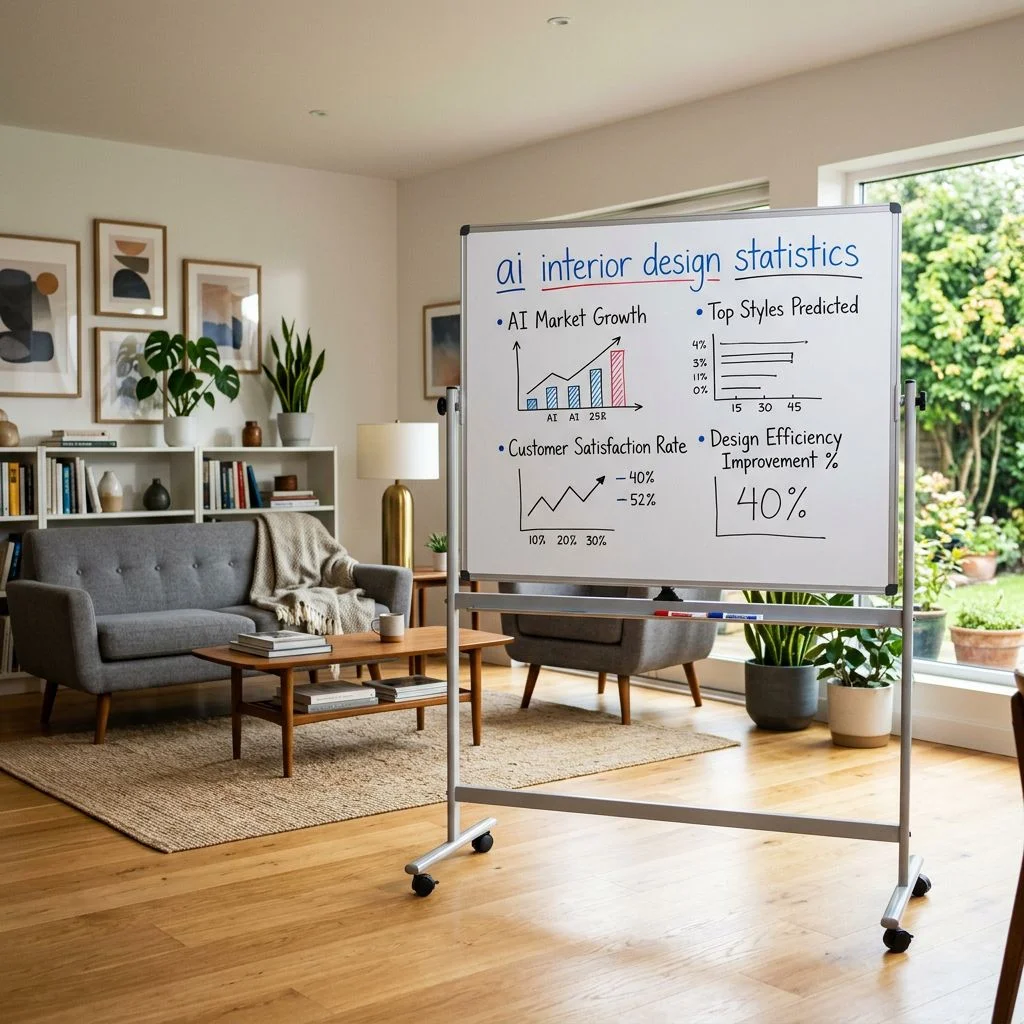
Guides, trends, and data to help you get the most out of AI-powered interior design.
Make your next room decision with confidence
See exactly how your room will look before you commit to paint, furniture, or a full renovation. Starting at just $20.